30-day free trial for your first restaurant · No card needed

Restaurant management software

Take orders, print GST bills and run your kitchen — from one place.

RMS Guru is restaurant management software. Guests order from a QR code at the table, the kitchen gets the ticket, the counter prints the GST bill, and online payments go straight to your bank — no commission.

  • GST-ready bills
  • UPI, cards, wallets
  • No commission on your orders
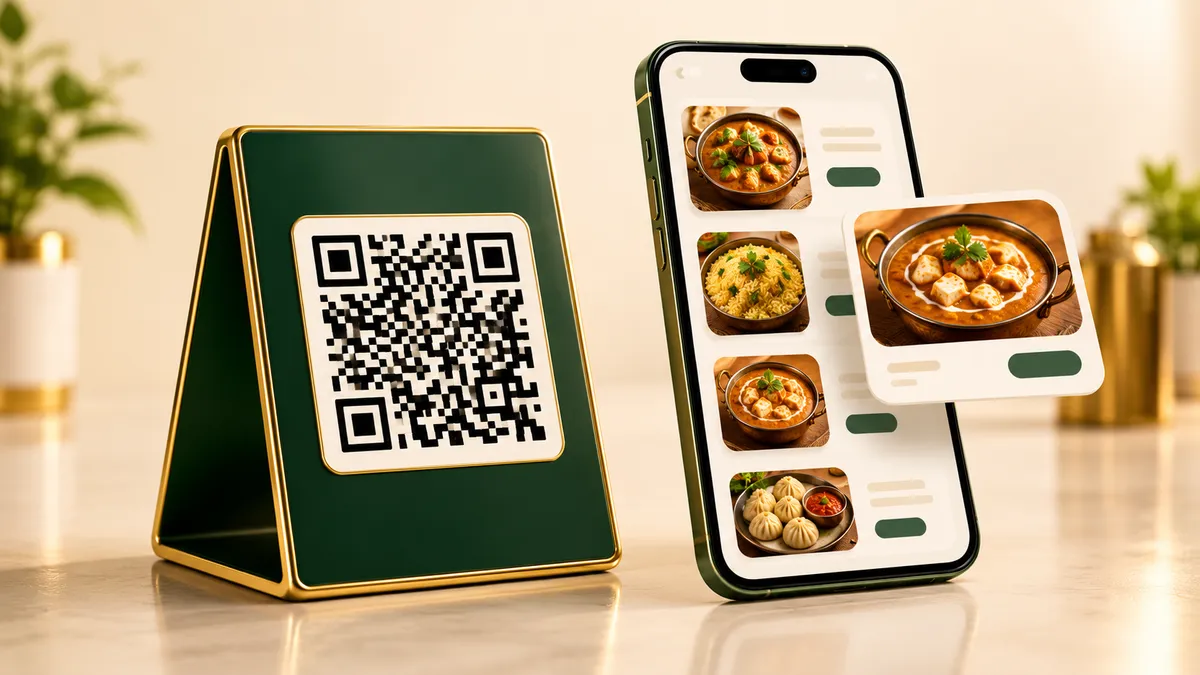
Table 7 orders from the QR menu. The counter's board and the kitchen printer get it at the same moment.
About

What is RMS Guru?

One system for everything a restaurant does in a day — ordering, the kitchen, billing, tables, payments and your own website.
A smiling restaurant owner in a green apron beside a tablet showing a rising sales chart

Who it's for

  • Restaurants & dhabas

    Dine-in with QR menus, table service and the kitchen screen

  • Cafés & quick service

    Counter and phone orders, each with its order number

  • Cloud kitchens

    Takeaway and delivery, with riders

  • Restaurant chains

    Every outlet under one loginOn Pro

  • Hotels with a restaurant

    Rooms, banquets and spa, with room service on the stay's billPro add-on

  • New restaurants

    Start the same day, with a 30-day free trial

What you get

One app for the whole restaurant

  • 0%

    Commission from us on your online payments. The money goes to your own account.

  • 30days

    Free trial for your first restaurant. Start the same day.

  • 1login

    For every outlet you run, on Pro.

  • Any screen

    Phone, tablet or computer, plus a Windows app for the counter.

Runs your
  • QR ordering
  • table reservations
  • GST billing
  • loyalty and coupons
  • Razorpay payments
Features

Built to make service faster

Every tool your front and back of house actually needs — nothing you have to duct-tape together.

A QR stand for the table, next to a phone showing a menu of dishes

QR menu & ordering

Guests order straight from the table. No app, no waiting for a waiter.

Learn more
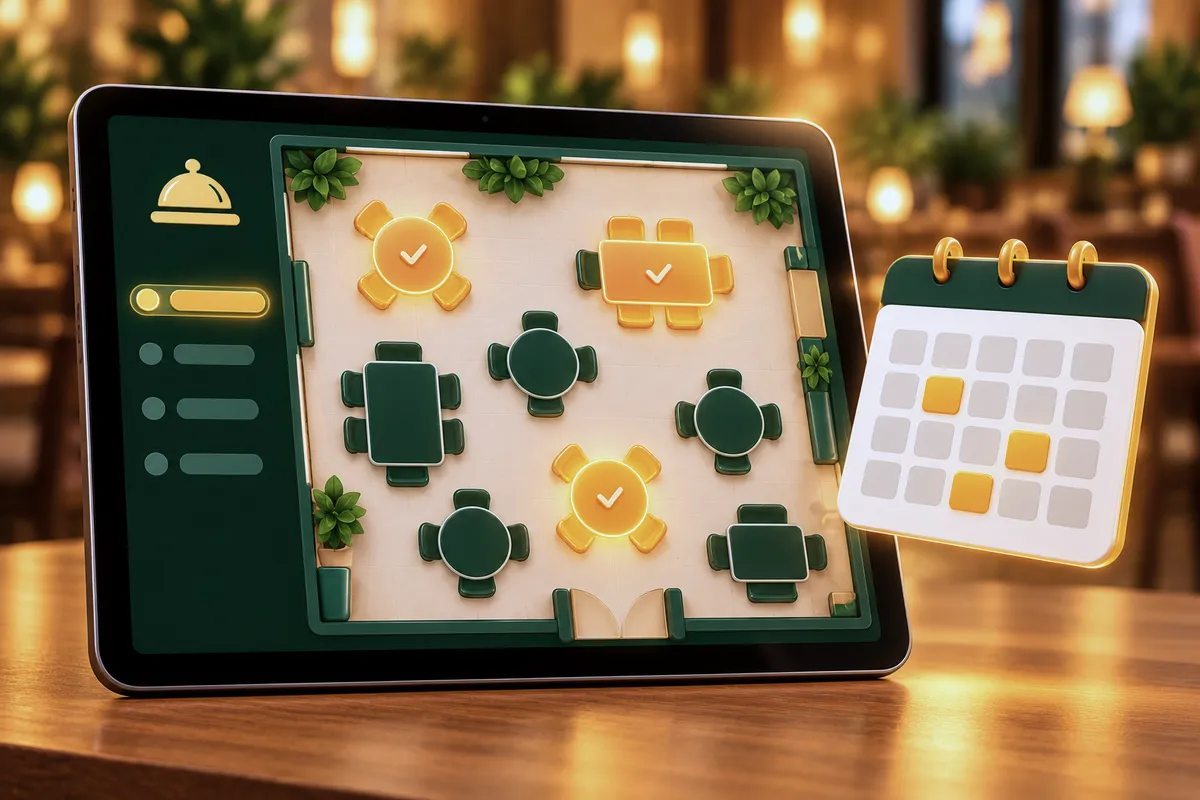
A tablet showing a restaurant floor plan with booked tables, next to a booking calendar

Reservations & waitlist

Bookings within the limits you set — slot length, party size, a daily cap — and a waitlist for walk-ins.

Learn more

Golden discount coupons with a percent sign, next to a green gift box

Loyalty & coupons

Turn first-timers into regulars with points and offers you design.

Learn more
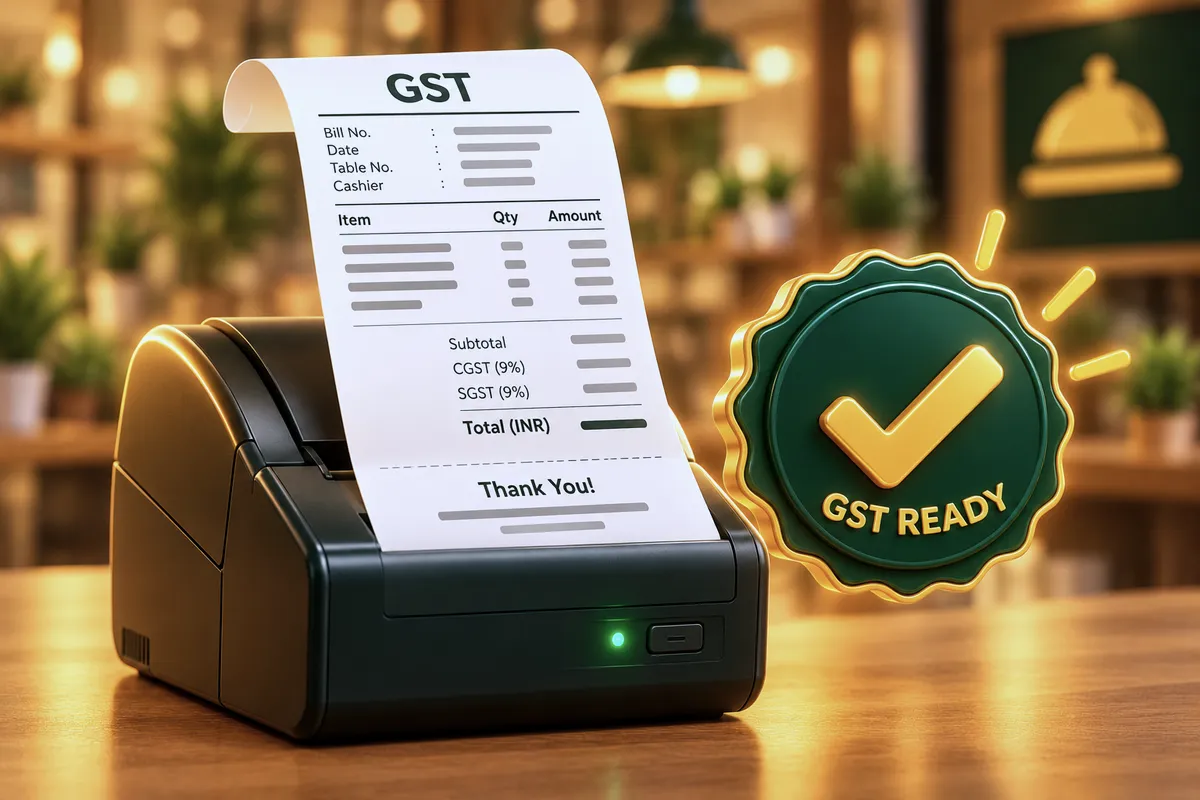
A receipt printer printing a bill, with a GST ready badge beside it

GST-ready billing

Clean, compliant invoices and tax reports — every single time.

Learn more
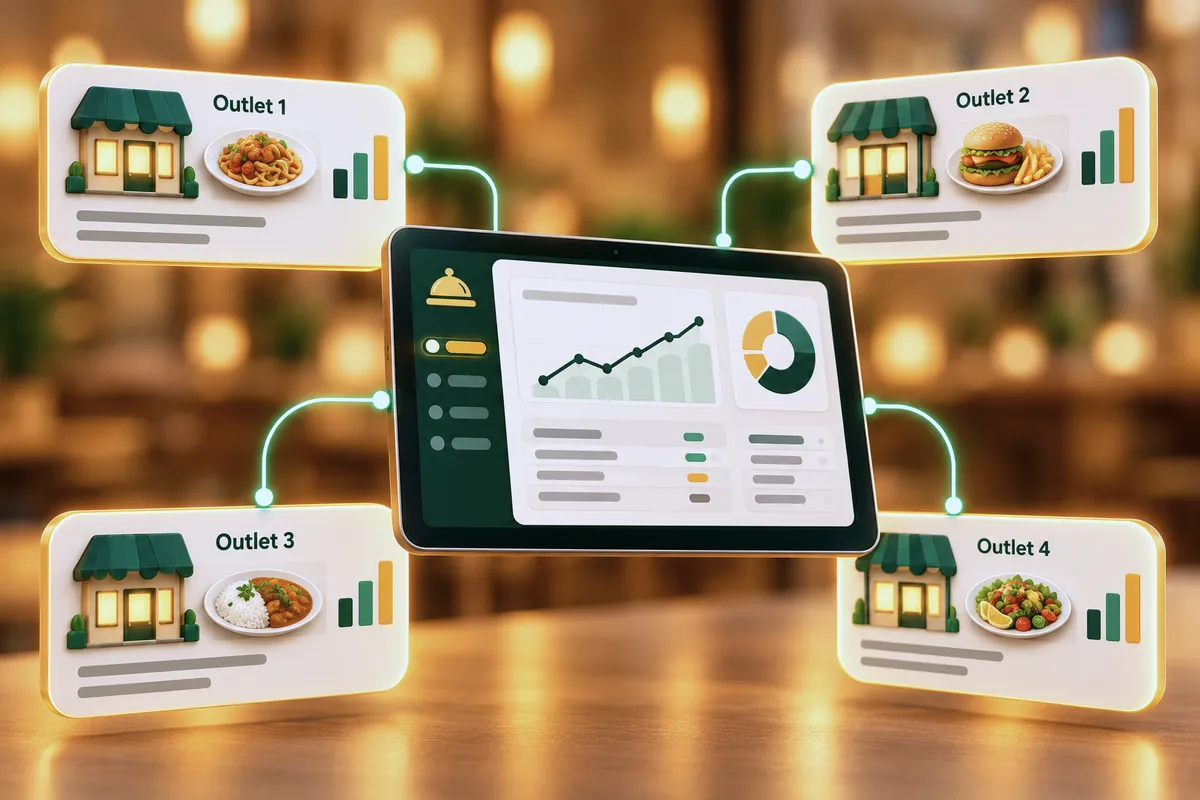
A dashboard on a tablet linked to four restaurant outlets, each with its own sales chart

Multi-outlet control

All your locations and every staff role, from one login.

Learn more
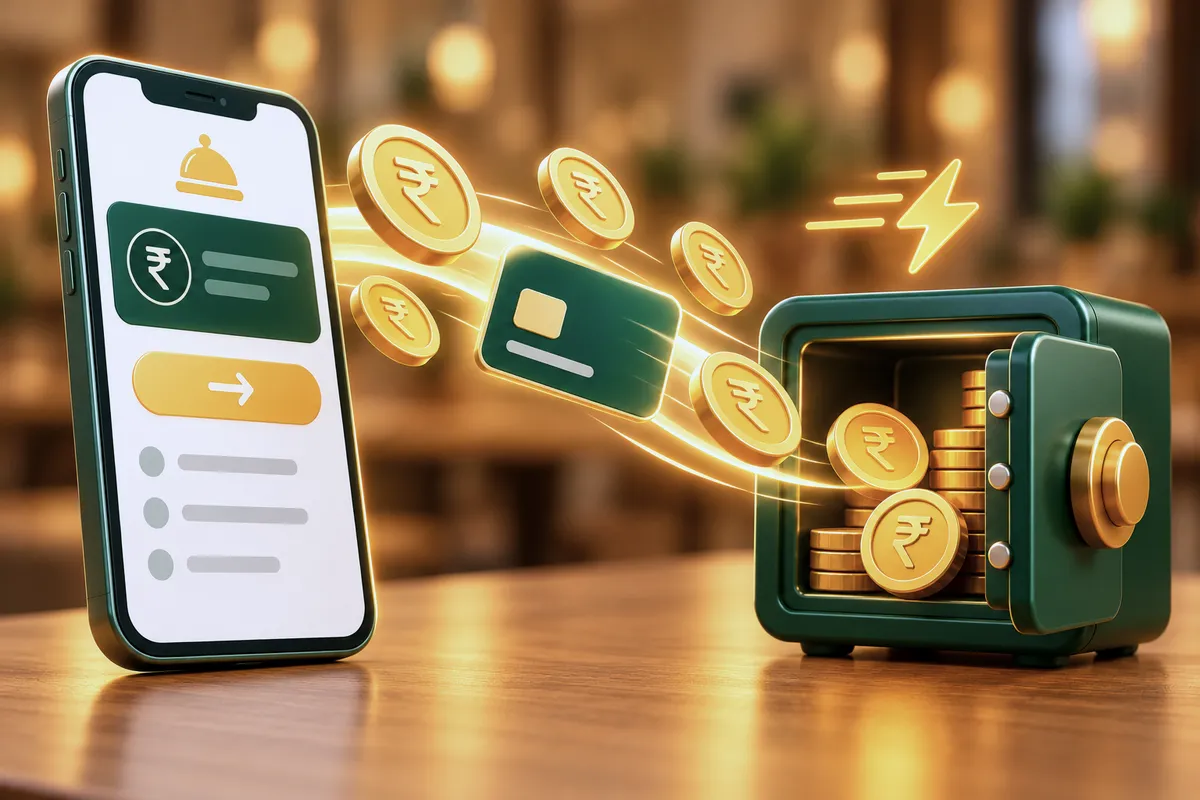
A phone sending rupee coins into a green safe

Online payments with Razorpay

UPI, cards, wallets — accept it all, get paid straight to your bank.

Learn more
How it works

From an empty account to a paid order

Four steps, and you can take your first order the same day you sign up.
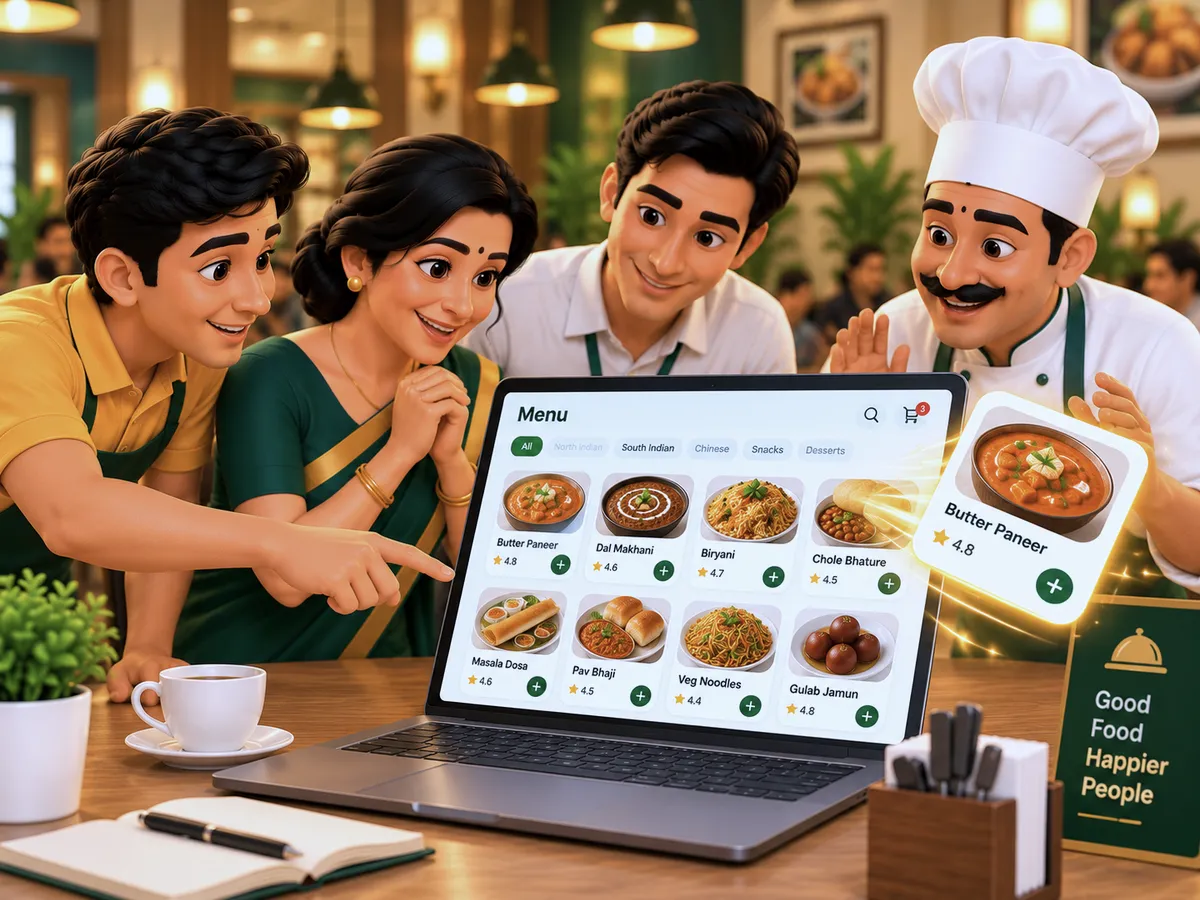
  1. 01A restaurant team gathered round a laptop, checking their online menu

    Put your menu in

    Type it in or upload a CSV file. Photos, variants, add-ons and the right tax slab all live on the item.
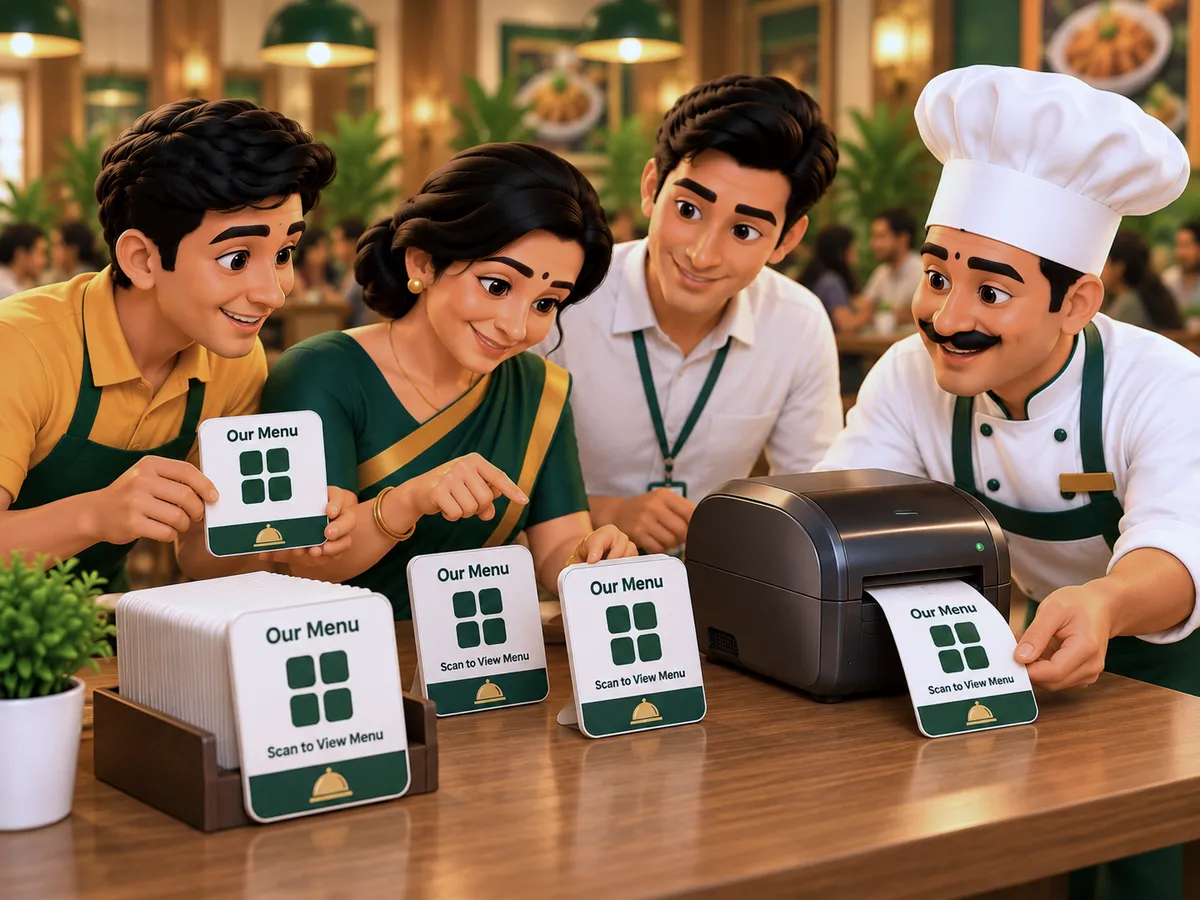
  2. 02A restaurant team holding printed QR menu cards for the tables, with a printer beside them

    Print your QR codes

    One per table, generated for you. Guests scan and land on your own menu — and on Pro you can put your own domain on the codes.
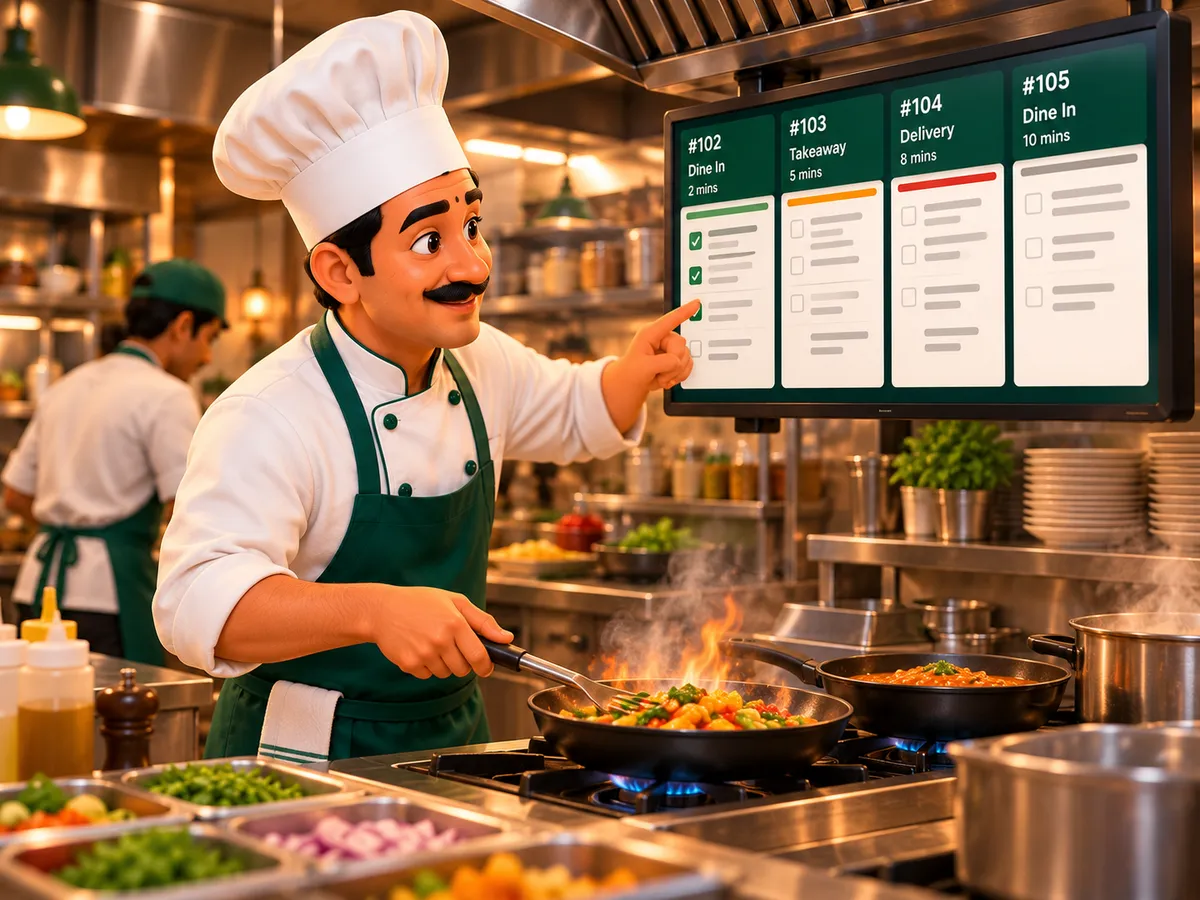
  3. 03A chef in a busy kitchen pointing at a screen that lists the incoming orders

    Fire the order

    It lands on the counter's board; press Confirm and, with auto-print on, the kitchen ticket prints. Bill, KOT and delivery label print from one screen.
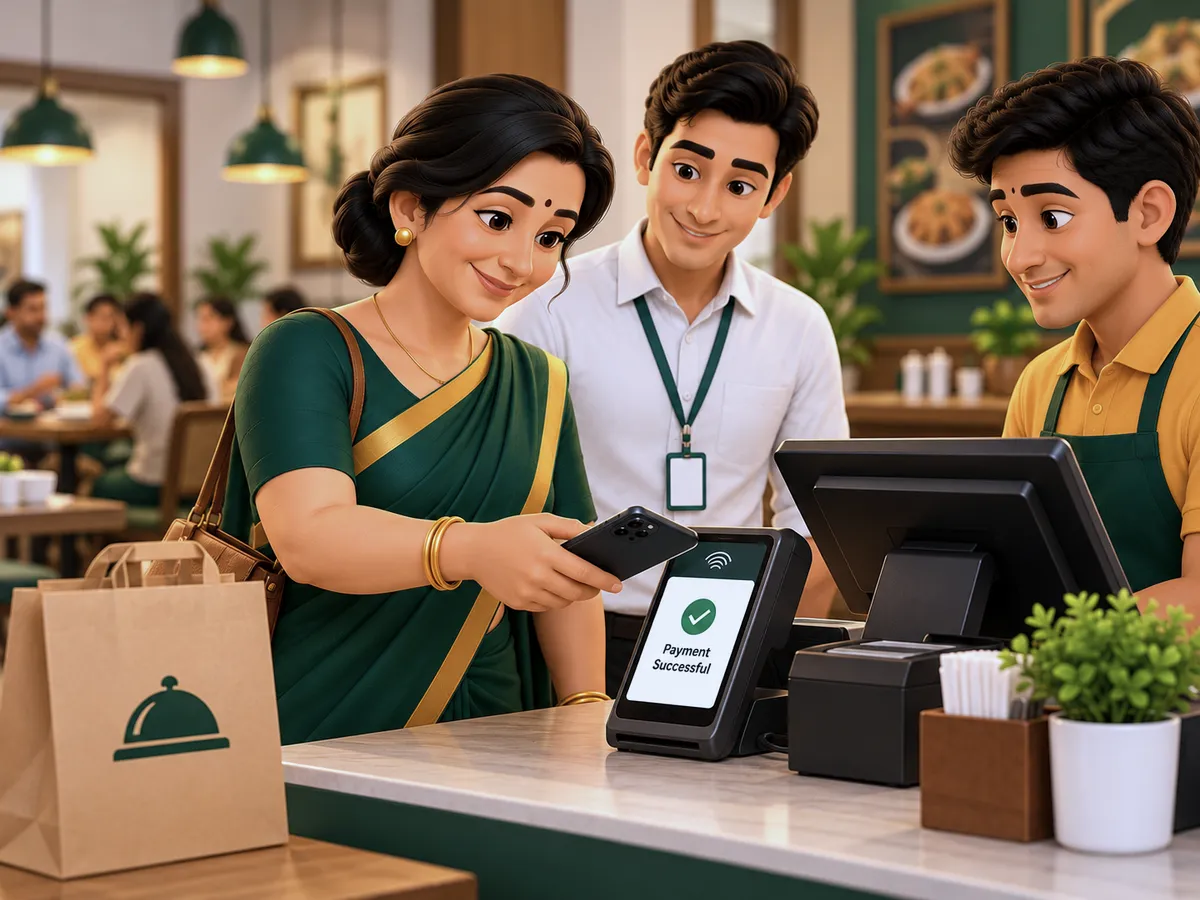
  4. 04A guest paying by phone at the counter, with the card machine showing payment successful

    Get paid

    UPI, cards and wallets settle through Razorpay to your bank. Cash the riders collect is counted back at the till.

Billing

Compliant on the first bill, not after an audit

  • The right slab per item. Food, drinks and packaged goods do not share a rate, and the item carries its own.
  • Your GSTIN on every paid invoice. Printed on the bill, and in the GST summary your CA opens.
  • Coupons, refunds, credit notes. The tax follows all three without anyone recalculating by hand.
A report per question, filtered by location and date
GST summaryDaily salesCategory summaryPeak hoursPayment historyDelivery performance

Sample invoice. Yours carries your own GSTIN and the slab on each item.
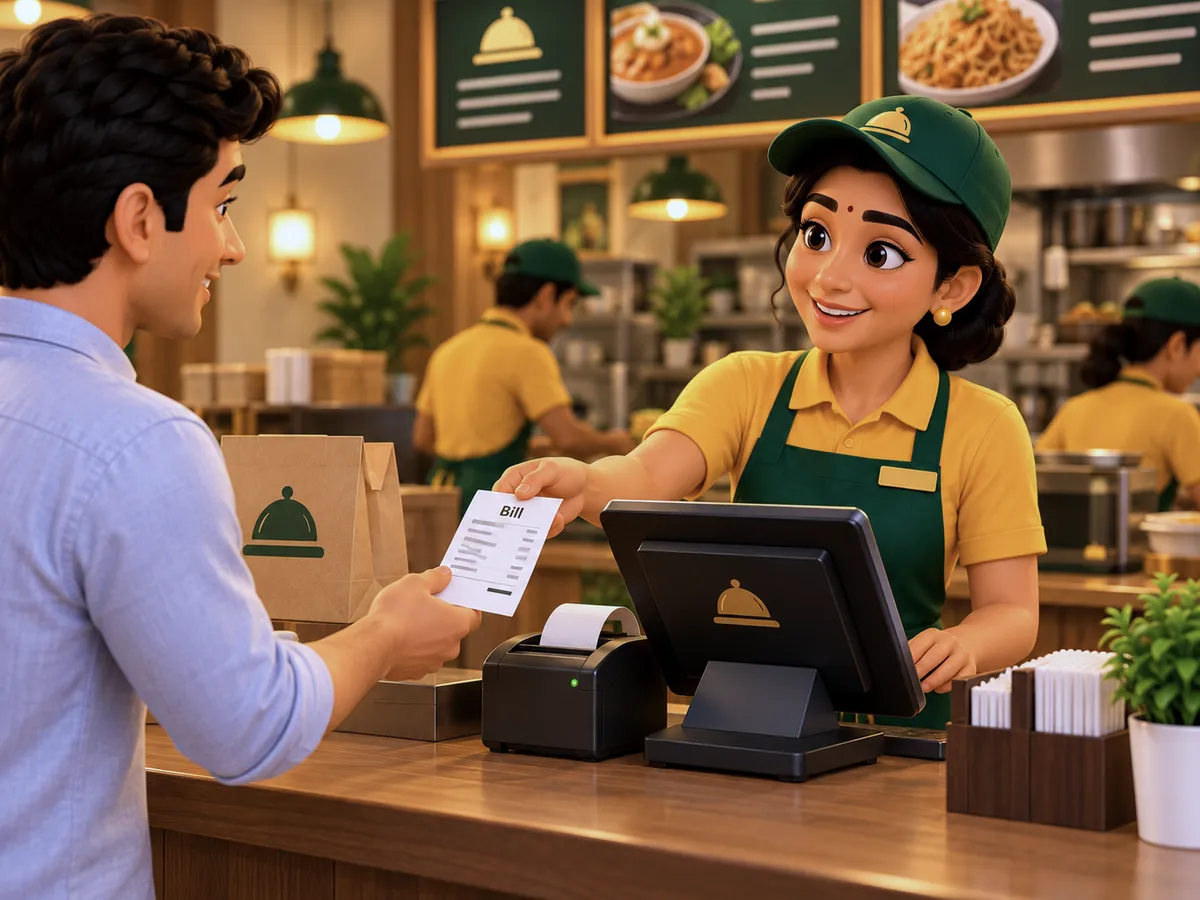
A cashier at the counter handing a printed bill to a customer
One platform

Every counter you serve from

Dine-in, takeaway, delivery and the booking diary are one system, not four that have to be reconciled at night.
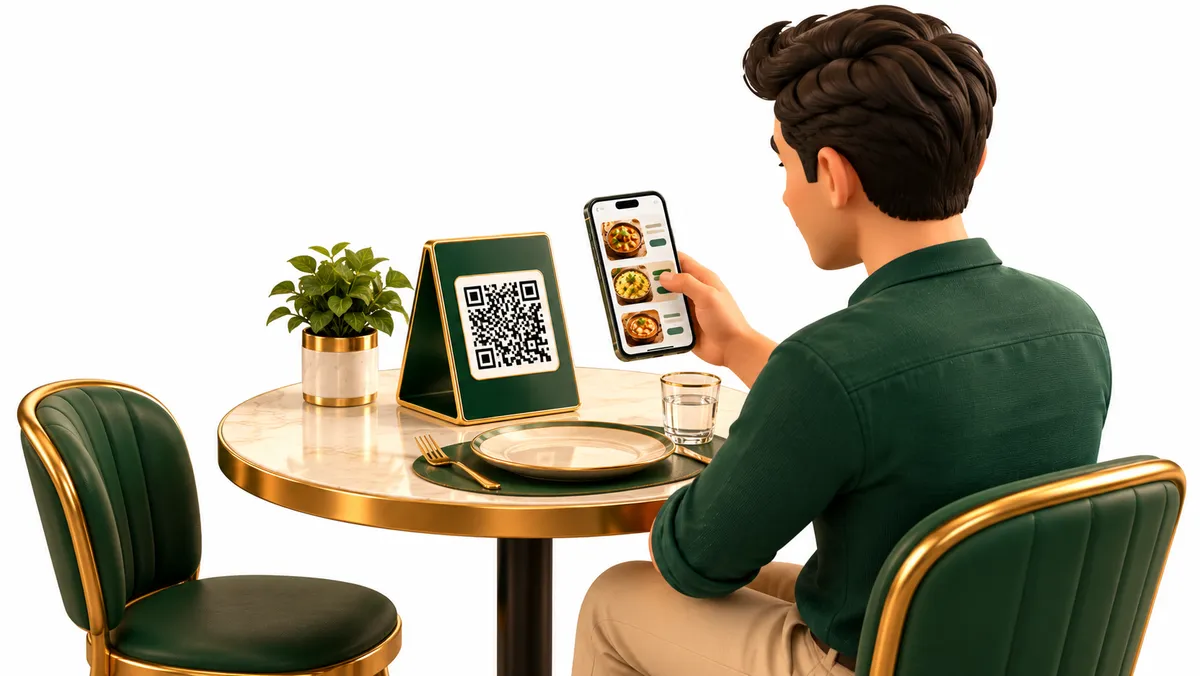
A guest at a restaurant table scanning the QR code on the table stand, with the menu open on the phone

Dine-in

A QR menu on every table, a live table map, and the bill printed the moment they ask for it.

Learn more
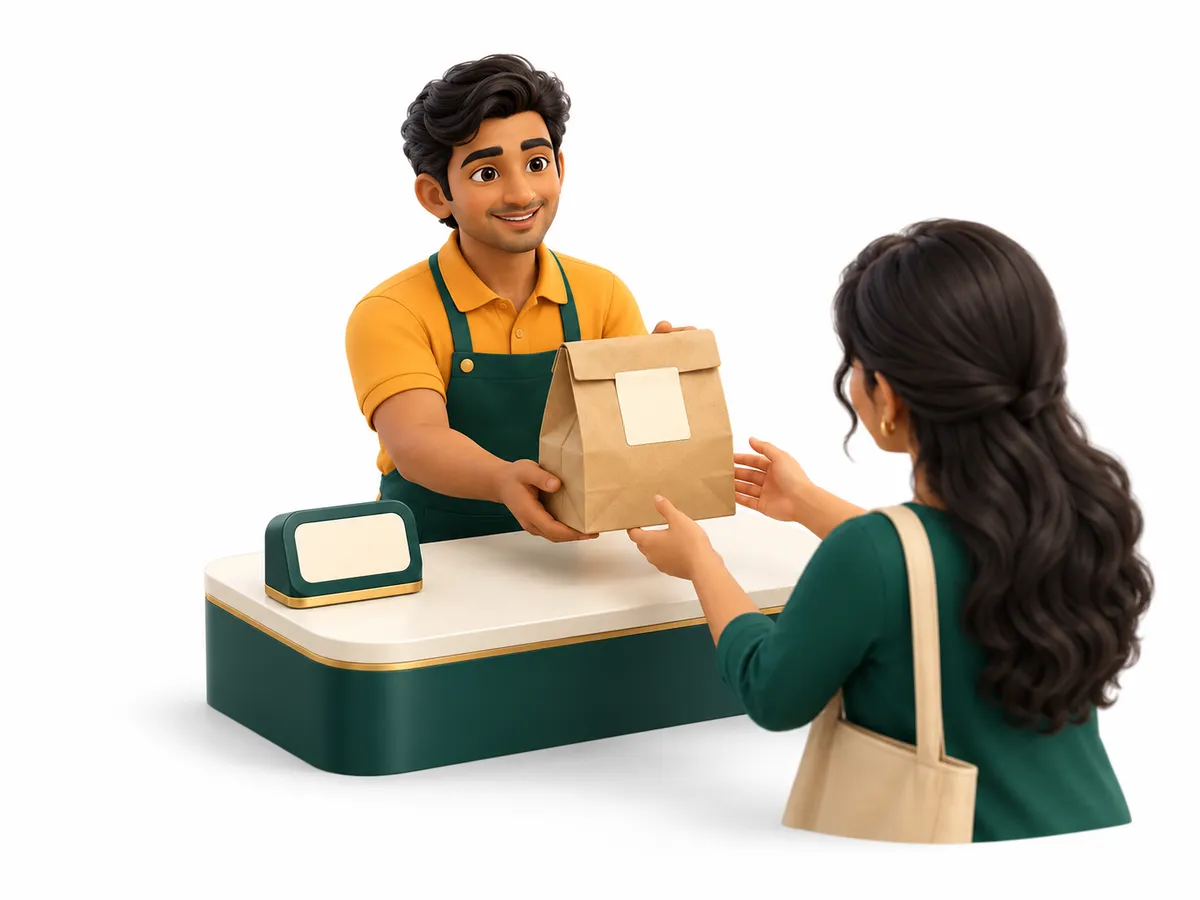
A cafe worker handing a paper takeaway bag across the counter to a customer

Takeaway

Walk-in and phone orders on one screen, each with its own order number.

Learn more
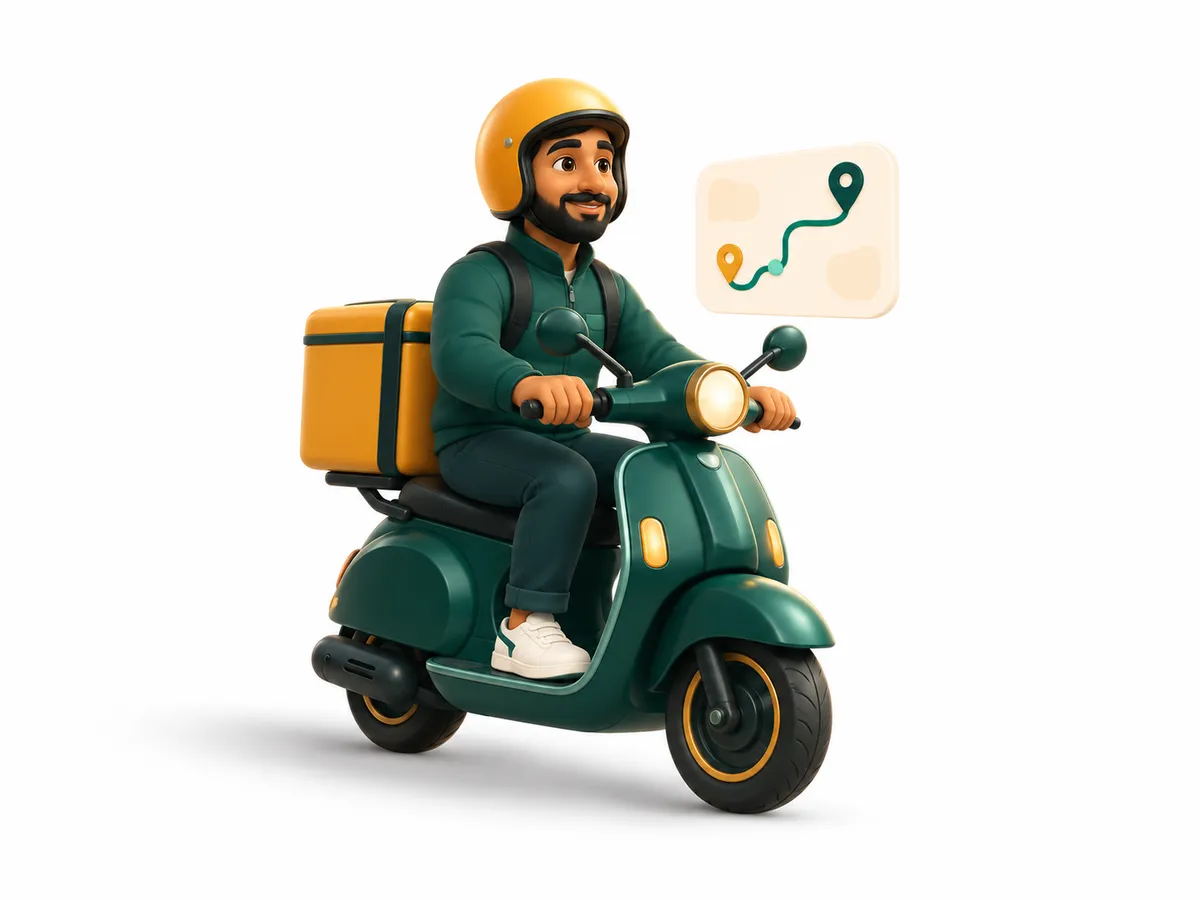
A delivery rider in a helmet on a scooter, with a food box and a route map

Delivery

Assign riders, watch the board, and settle their cash at the end of the round.

Learn more
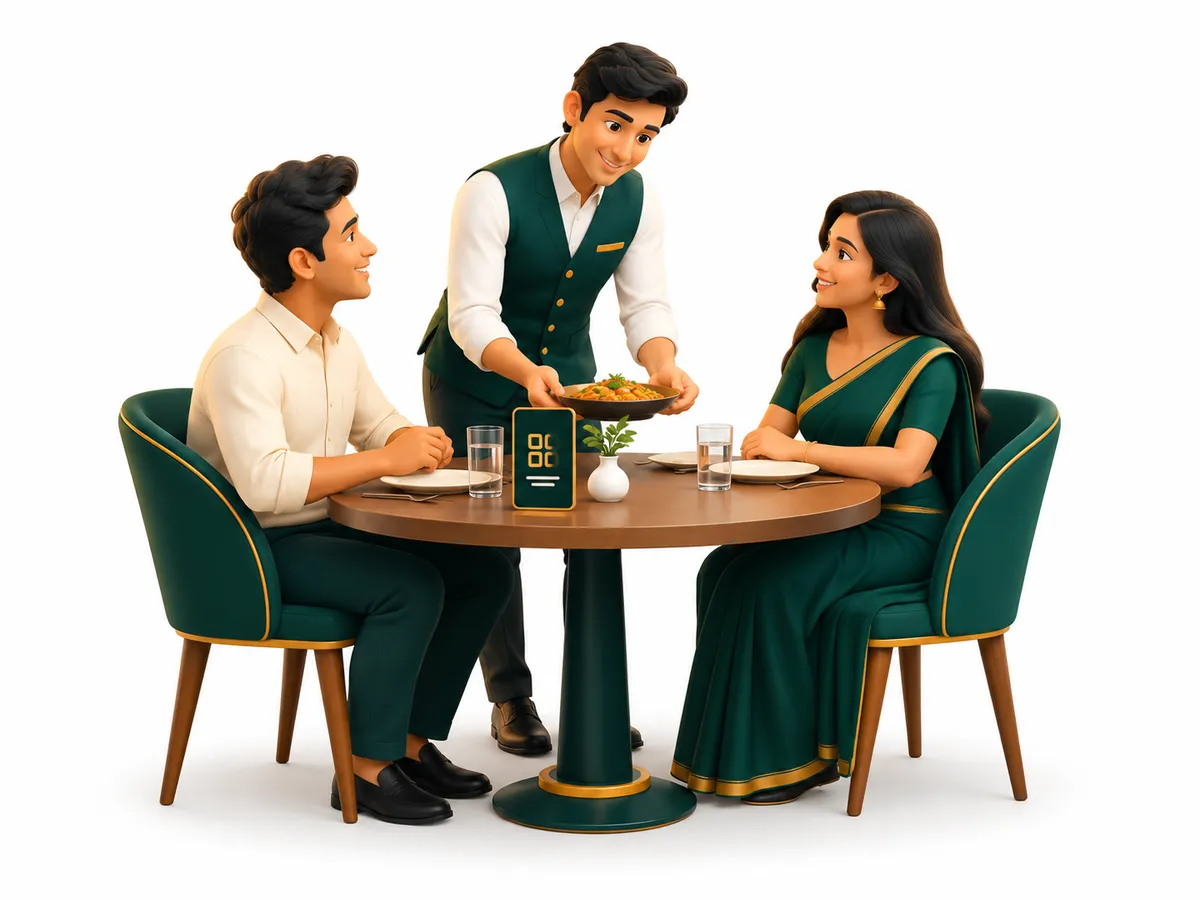
A waiter serving a dish to a couple sitting at a table

Reservations

Bookings within the limits you set, a walk-in waitlist, and each table's next booking on the floor plan.

Learn more
One login eachOwner — the whole business, every reportAdmin — menu, staff and settingsManager — orders, tables and bookingsRider — their own deliveriesYour own roles — counter, kitchen and more, on Pro
Plans

Lite and Pro, side by side

Two plans: Lite for a single outlet, Pro for everything else. Both start with a 30-day trial for your first restaurant, no card needed.
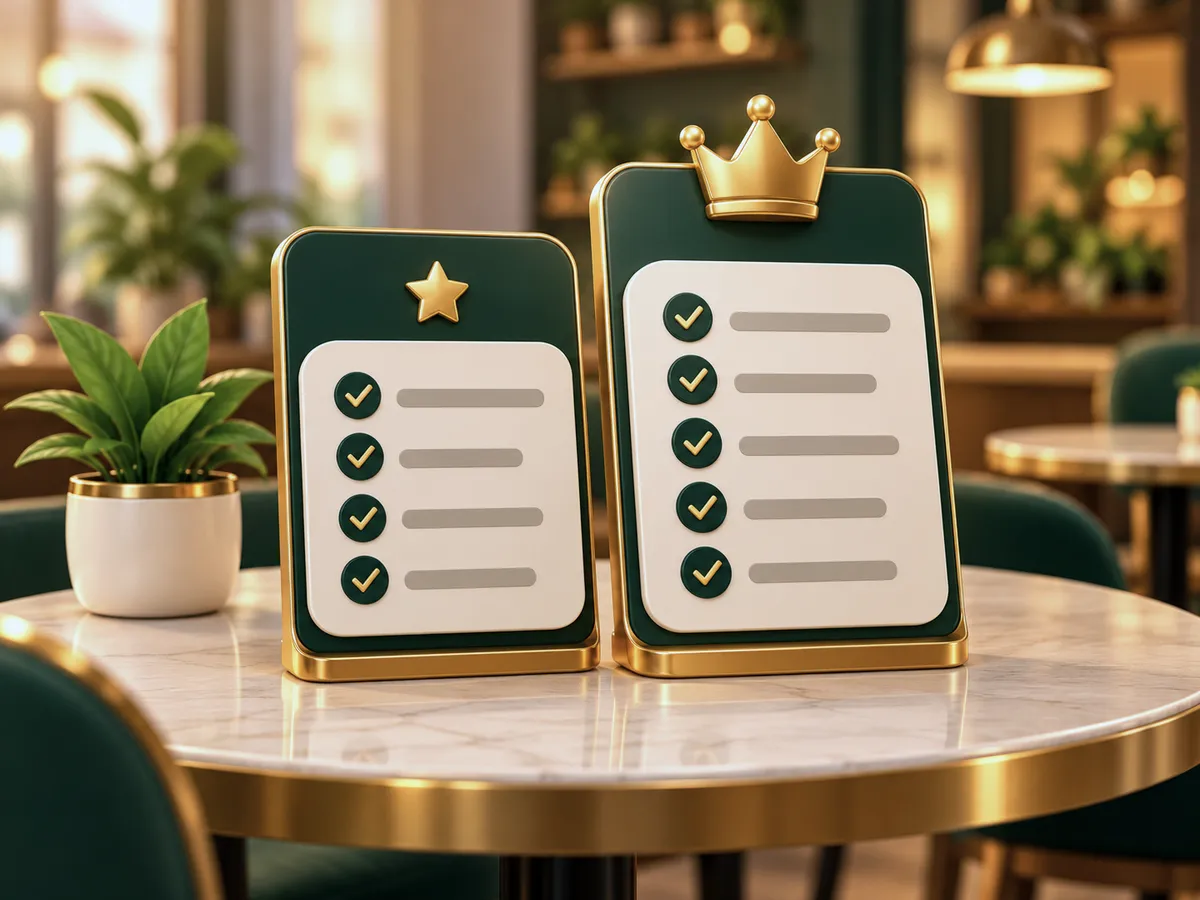
Two plan cards on a cafe table, one marked with a star and one with a crown, each with a checklist
To get started

Lite

For about 50 orders a day.

  • Need more than one? Move to Pro.
  • Up to 15 tables
  • Up to 1,500 bills and orders a month
  • Up to 5 staff per outlet
  • The same core product: QR ordering, GST billing, reservations, loyalty
Start free trial on Lite
To grow

Pro

Every feature, and room to grow.

  • Unlimited bills and orders
  • Your own domain, included
  • Create custom staff roles
  • Distance-based delivery pricing
  • Hotel, banquet and spa, as an add-on
Start free trial on Pro
No commission on your orders. Ever.What your customers pay goes straight to your own payment account.
See full pricing
Questions

The four we are asked most

Anything else, ask us — support picks up on every plan.

Contact usA large question mark beside a speech bubble with a light bulb

Do I need a card to start?

No. Lite and Pro both open with a 30-day trial for your first restaurant, and you add a card only when the trial ends.

Will my bills be GST compliant?

Yes. Invoices carry your GSTIN and the correct slab per item, and the GST summary is ready to hand to your CA.

Can I run more than one outlet?

Yes, on Pro: one login runs them all, each with its own menu, staff and reports. Lite covers one; for a second, move up to Pro.

Where does the money go?

Razorpay settles online payments to your bank. Cash your riders collect is reconciled against their own deliveries when they hand it in.
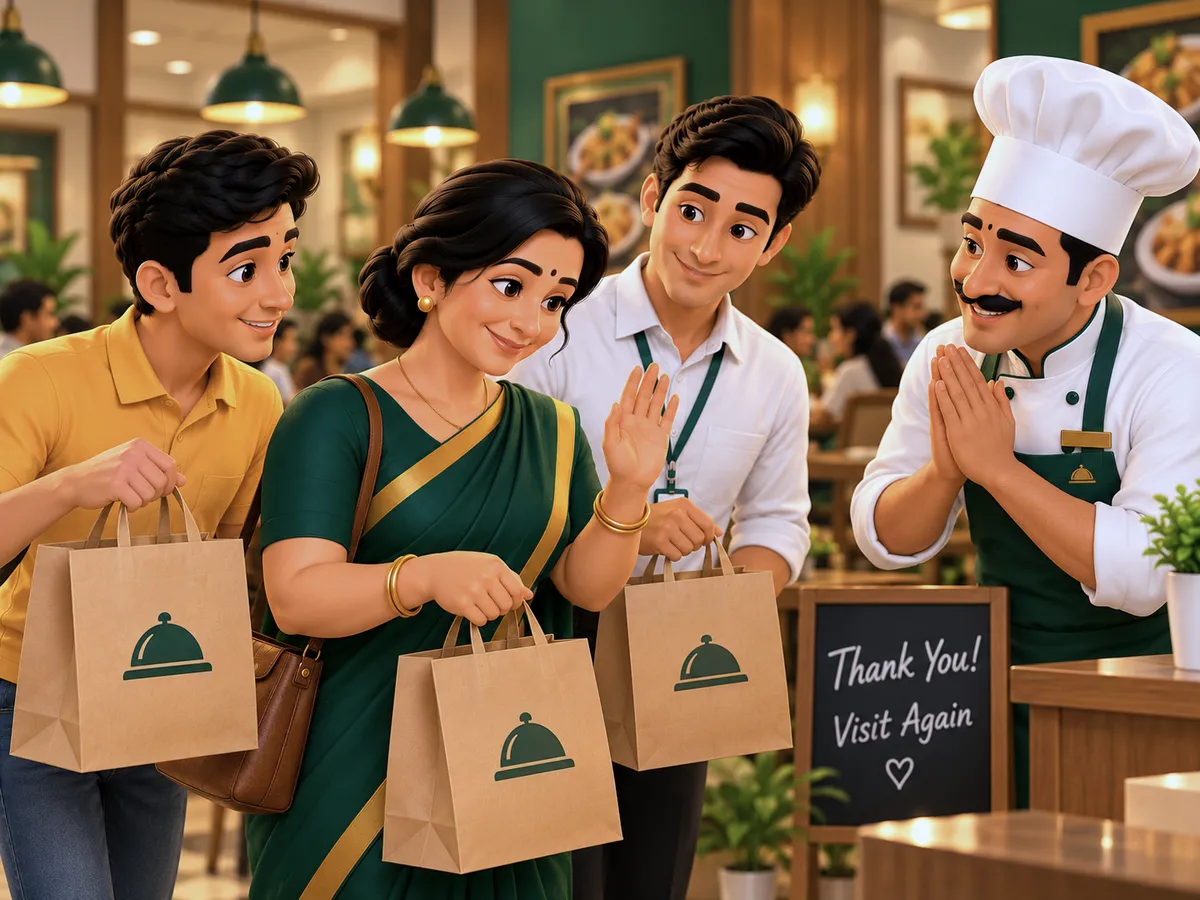
A restaurant team saying goodbye with a namaste to guests leaving with takeaway bags

Your guests are already scanning QR codes. Give them something great.

Set up your restaurant on RMS Guru and take your first order today.

30-day free trial on Lite and Pro for your first restaurant · No card needed