Switch outlets from the sidebar
Pick another and you stay on the same screen, now for that one. On a phone, tap the name at the top. One bell brings in new orders, bookings and refunds from every outlet you can see.
Staff and control
Switch outlets from the sidebar, compare them in one report, and give each manager only the one they run. Each keeps its own menu, tables and bills.
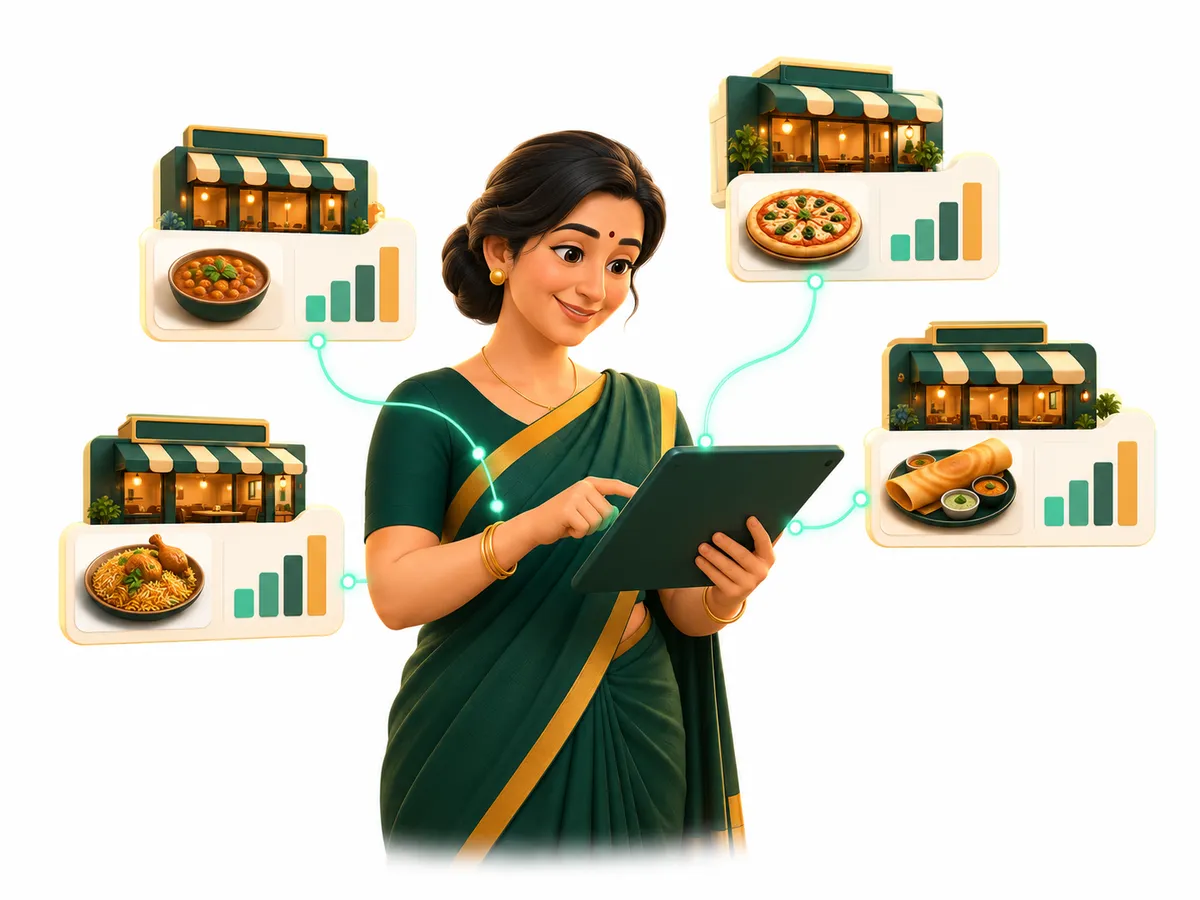
Pick another and you stay on the same screen, now for that one. On a phone, tap the name at the top. One bell brings in new orders, bookings and refunds from every outlet you can see.
Switch Reports to All outlets for one table of orders, average value, gross, refunded and net for each, best net first. Kitchen, table and rider reports stay separate for each.
Opening a new one? Copy a whole menu across, with photos, variations, add-ons and combos. It copies into an empty menu, once, so the two menus are separate afterwards.
Invite each person to one outlet or to all of them. Someone pinned to one sees only that one, and the owner can move them to another later.
Each has its own web address and QR codes. You choose a main one for the short address, and if none is marked main, guests are asked which one to order from.
Every outlet has its own short code on its invoice numbers, its own GSTIN if it is registered in another state, and its own opening hours, printers and delivery settings.
Lite includes one outlet; more are part of Pro.
As many as your Pro plan covers. Pricing is per outlet. If you add one past what your plan covers, the console shows the price of the plan that does, and nothing is charged until you agree.
No. Lite includes one outlet, and more are part of Pro. Both plans start with a 30-day free trial for your first restaurant, no card needed.
Each outlet has its own menu, so dishes and prices can differ. A new one can copy an existing menu once, as long as its own is still empty, and you edit it separately after that.
Yes. The customer list and Reviews cover every outlet, and Reviews can be filtered to one. Orders, tables, menus and bookings stay separate for each.
Set up your restaurant on RMS Guru and take your first order today.
30-day free trial on Lite and Pro for your first restaurant · No card needed