Guests choose delivery at checkout
A signed-in guest picks Delivery, chooses a saved address and gives a number the rider can call. They see your delivery fee before they pay. Each outlet can switch delivery on or off.
Ordering
Guests order delivery from your website. You hand each order to a rider, the rider works from their own phone, and the cash they collect is counted back at your counter.
A signed-in guest picks Delivery, chooses a saved address and gives a number the rider can call. They see your delivery fee before they pay. Each outlet can switch delivery on or off.
Charge nothing, a flat fee, or a fee by road distance: per kilometre, a base plus per kilometre, or distance tiers. Set an order value above which delivery is free. Distance pricing is Pro.
Limit delivery to your own state, to a list of pincodes, or both. A guest whose address is outside that area is told at checkout, before they pay, and cannot place the order.
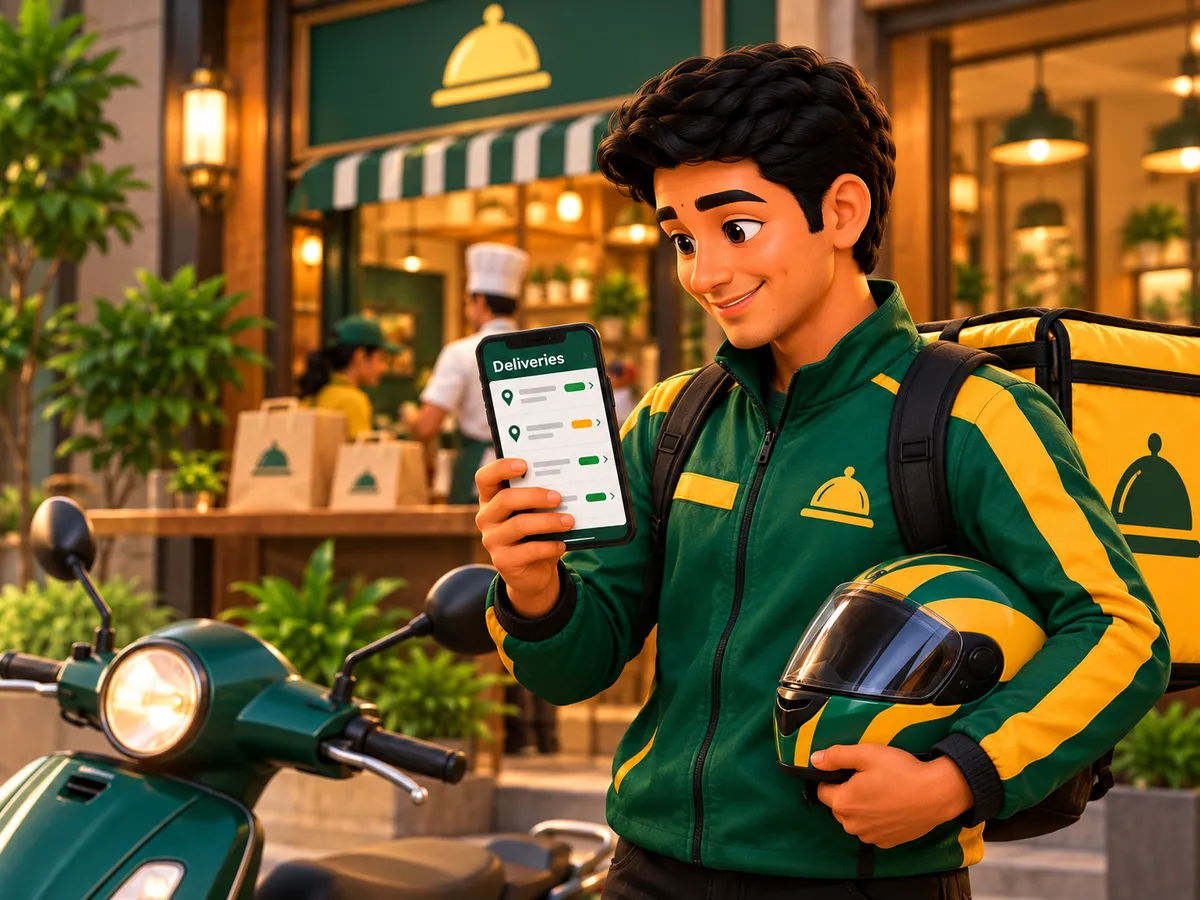
The Deliveries board shows orders waiting for a rider, who is out with what, and the cash on the road. Choose a rider and the order appears on their My deliveries screen. Print a packing label for each bag.
Each delivery is one card: address, a Call button, a Map link and what to collect. One big button moves it to Out for delivery, then Delivered, and the guest's order page follows.
The rider marks cash collected at the door. The counter sees what each rider is carrying, then records the handover and any shortfall. A report shows deliveries, time on the road and cash not yet handed in.
On Lite, delivery is free or a flat fee; charging by road distance is Pro only.
No. Your riders are your own staff: give them the Rider role, or send out any other staff member. RMS Guru does not supply riders or pass your orders to outside delivery apps. Orders come from your own website, or your staff enter them.
No. Charging by road distance is part of Pro. Lite can offer delivery with no fee or a flat fee, and free delivery above an order value you choose.
Yes. Enter the guest's phone number and address when you create the order, and a name if you have one. Your fee and your delivery area apply exactly as they do online.
Type the amount you actually received. If it differs, the screen says short or over before you save, and you can add a note. The handover is saved as it stands, so the gap stays on record.
Set up your restaurant on RMS Guru and take your first order today.
30-day free trial on Lite and Pro for your first restaurant · No card needed