Guests book on your website
A guest picks a date, a time and a party size on your Book a table page. They sign in first, so every booking is tied to a guest account. Your booking terms sit right above the button.
Tables
Guests book from your website within the limits you set. You confirm each booking, give it a table, and keep a waitlist for walk-ins.
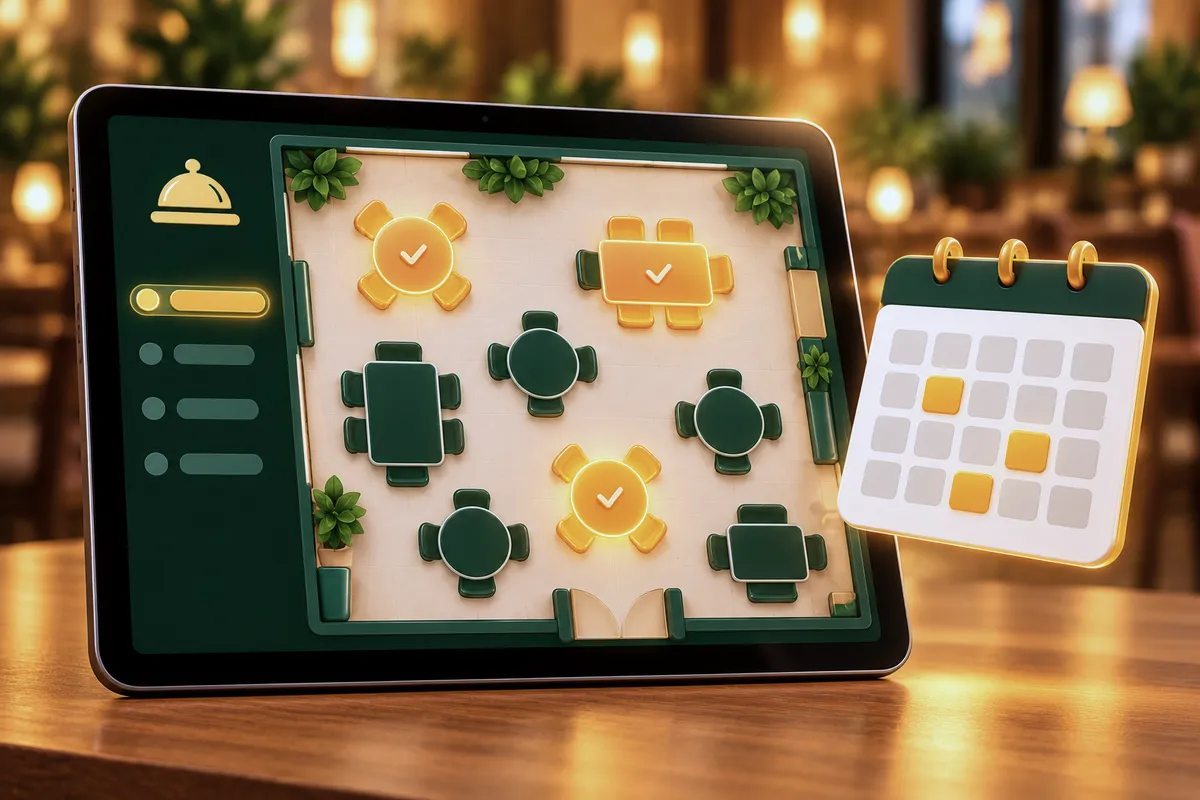
A guest picks a date, a time and a party size on your Book a table page. They sign in first, so every booking is tied to a guest account. Your booking terms sit right above the button.
Online bookings are taken only for times you are open, and you can stop them a set number of minutes before closing. A party larger than your limit is asked to phone instead.
Set the most bookings a day, how many one guest can hold for the same date, the largest party, and how many days ahead people can book. Leave any of them blank for no limit.
A new request reaches staff as a notification and waits as pending. Confirm it, seat it, mark a no-show or cancel. Each booking shows whether the guest booked online or staff took it by phone.
Give each booking a table. RMS Guru will not let one table hold two confirmed bookings around the same time, or confirm a party onto a smaller table unless you allow it. The floor plan shows each table's next booking.
Staff can add a booking taken by phone, whatever your online limits say; it goes in as confirmed. Walk-ins without a booking join a waitlist: add them, tell them when a table is ready, and seat them.
Lite covers one outlet with up to 15 tables; Pro covers several, with more tables.
Yes, from their bookings on your website, up to a cancellation deadline you set in hours before the booking. After that the button is replaced by a note asking them to call you. Staff can cancel at any time.
Yes. One switch turns online bookings off. The booking page stays up but asks guests to phone you, and nothing already booked is cancelled. Staff can still enter bookings by phone.
Yes. Bookings, limits, opening hours and tables are kept separately for each, so changing a rule for one does not change another. Several outlets need Pro.
Yes. Mark a booking as a no-show, and the Reservation No-Shows report shows your no-show rate and how seating times compare with booked times. A per-guest daily limit also stops one person holding many online bookings for the same date.
Set up your restaurant on RMS Guru and take your first order today.
30-day free trial on Lite and Pro for your first restaurant · No card needed