The right slab on every dish
Set a GST rate once as a tax category and tag your dishes with it. Change the rate and every tagged dish follows. Coupon and loyalty discounts bring the tax down with them.
Billing
Each dish carries its own tax slab and each paid bill carries your GSTIN. A refund brings a credit note, and the GST summary is ready to hand to your CA.
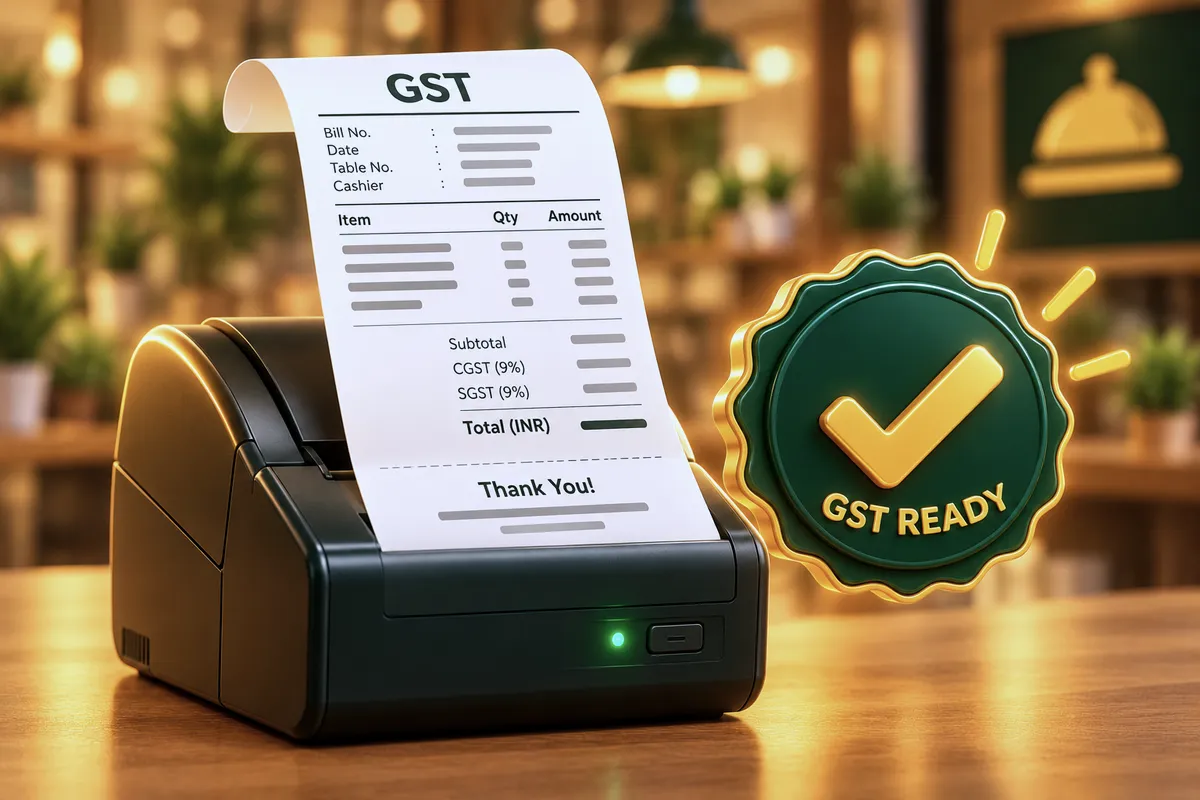
Set a GST rate once as a tax category and tag your dishes with it. Change the rate and every tagged dish follows. Coupon and loyalty discounts bring the tax down with them.
Enter them once per outlet. The FSSAI number prints on every bill. The GSTIN prints on every paid invoice, and a reprint keeps the GSTIN it was issued under, even if you change it later.
An order gets the next invoice number for its outlet once it is paid in full, starting again at 1 each April to March financial year. Until then it prints as a provisional bill.
Add a service or packing charge as a flat amount or a percentage, for dine-in, pickup or delivery. Choose whether GST applies on top, and whether the percentage is taken before or after the discount.
Refund a paid order and a GST credit note is issued automatically, in its own number series, naming the invoice it reduces. A part refund gets a credit note for that part. Print it on A4.
See the CGST, SGST and IGST collected, the credit notes taken off and the net tax, for one location or all of them. Pick today, the last 7 or 30 days, or all time, and send it by email.
On Lite, each order, and so each bill, counts toward 1,500 a month; new orders stop at that number until the 1st of the month or an upgrade.
Yes. It prints as a provisional bill with the items, tax and your FSSAI number, but no invoice number or GSTIN. The numbered invoice is issued once the order is paid in full, and you can print that too.
Yes. Untick “This outlet is GST-registered” under Settings, Tax & Billing, and bills carry no GSTIN and no GST breakdown, whatever rate a dish holds. Tick it when you register; your dish rates are kept as they are.
No. It gives you the figures: the tax on each bill, your credit notes and the GST summary. Filing stays with you or your CA.
At the counter you mark a bill paid by Cash, UPI, Card or Other, and you choose which of those you offer. Switch on “Print how the bill was paid” under Settings, Printers, and the bill says so. Online payments go through your own Razorpay account.
Set up your restaurant on RMS Guru and take your first order today.
30-day free trial on Lite and Pro for your first restaurant · No card needed