A bill for the counter
Print the bill as a thermal slip or a full A4 tax invoice. It lists items and add-ons, the discount, CGST and SGST, extra charges and the total, with your FSSAI number and, once paid, your GSTIN.
Kitchen
Bills, kitchen tickets, delivery labels and credit notes print from the browser to the printer your computer already uses. The kitchen copy shows no prices; a paid bill carries your GSTIN.
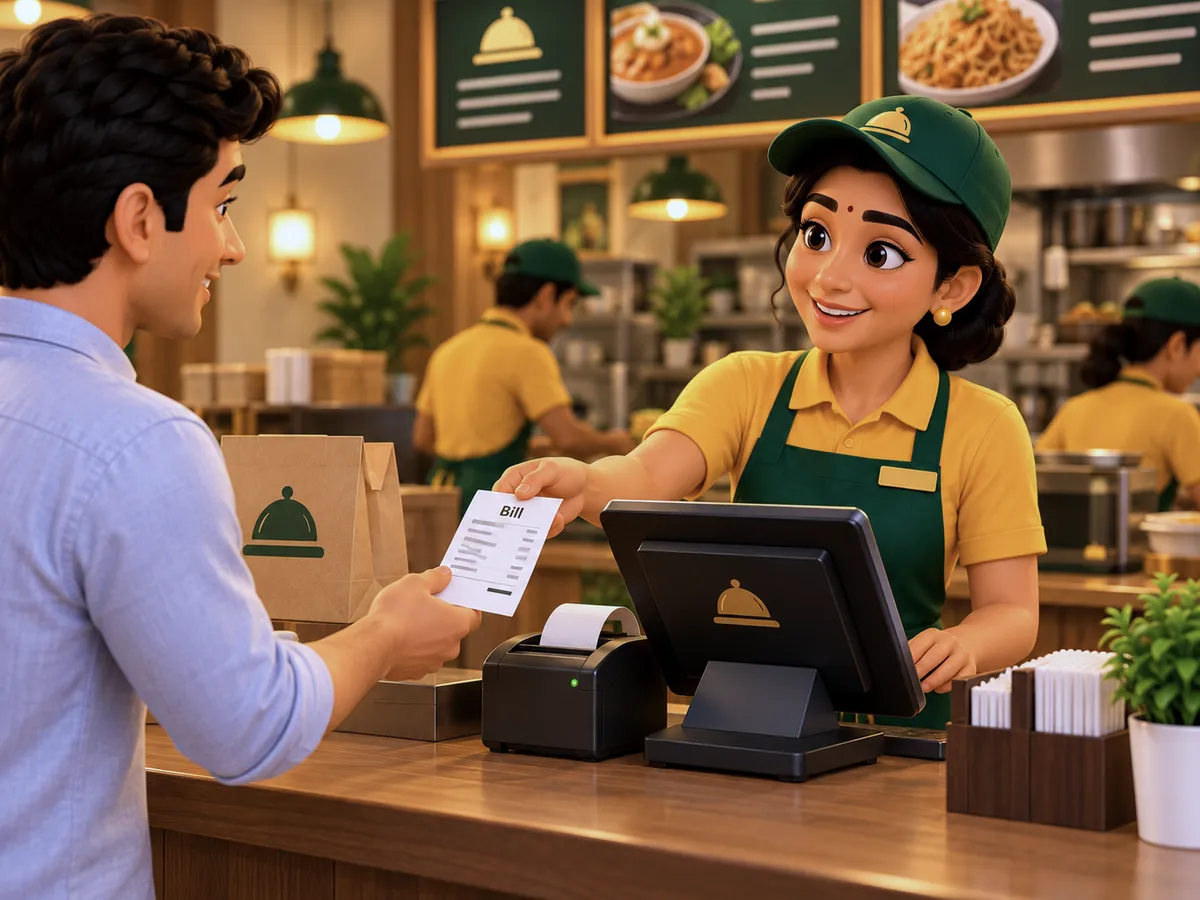
Print the bill as a thermal slip or a full A4 tax invoice. It lists items and add-ons, the discount, CGST and SGST, extra charges and the total, with your FSSAI number and, once paid, your GSTIN.
The KOT lists quantity, dish, add-ons, combo swaps and notes, headed by Table 7, Pickup or Delivery. It has no prices, tax or phone numbers. A reprint leaves out dishes already marked made.
Enter how many bags and print one label each: order number, Bag 2 of 3, the guest's name, phone and address, what is packed, and the amount to collect, or Already paid. No rates or tax on it.
Turn on auto-print on the device with the Orders board open, and choose which of the kitchen ticket, bill and delivery label print when a new order lands. An order paid online first prints only after the payment clears.
Pick thermal or A4, and a 58, 72, 80 or 112 mm roll, for bills on each device. Add the kitchen printer once in Settings: its paper width sizes every kitchen ticket, and its station name prints at the top.
Switch on what you want printed: your outlet's phone number, how the bill was paid, the total in words, each dish's HSN/SAC code, place of supply, a GST summary and up to three footer lines of your own.
No. Printing goes through your browser, so any printer your computer can print to will do: a thermal receipt printer for 58, 72, 80 or 112 mm rolls, or an ordinary A4 printer.
That depends on your browser. With auto-print on, plain Chrome still shows its print dialog and someone presses Print. A browser set up to print straight to the default printer does it without asking.
Open a bill or kitchen ticket a second time on the same device, even after only a preview, and it is stamped Duplicate copy. You can reprint from the order at any time, and print a credit note after a refund.
Yes. On a station's kitchen screen, Print KOT prints only that station's dishes and says how many more are at other stations. A dish with no station set prints for every station, so nothing is missed.
Set up your restaurant on RMS Guru and take your first order today.
30-day free trial on Lite and Pro for your first restaurant · No card needed