Oldest order first
The ticket that has waited longest comes first. Each shows its age and turns amber, then red, at the two times you set. A ticket being cooked gets a green ring and a Cooking tag.
Kitchen
Confirmed orders appear oldest first, coloured by how long they have waited. Cooks tick off dishes and mark orders ready, and the guest's order page follows.
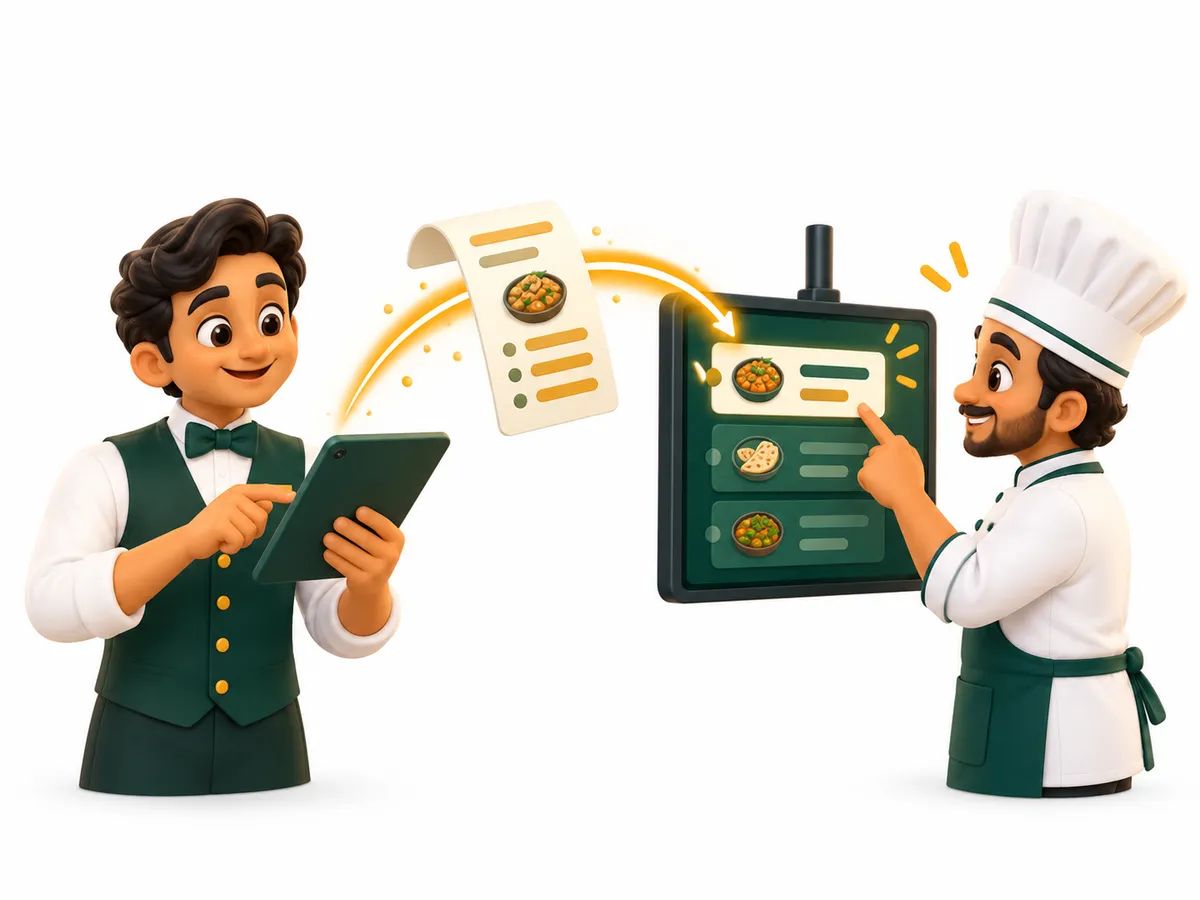
The ticket that has waited longest comes first. Each shows its age and turns amber, then red, at the two times you set. A ticket being cooked gets a green ring and a Cooking tag.
Every ticket says where the food goes, such as Table 7, Pickup or Delivery, then lists each dish with its quantity, variation, add-ons and the guest's note for that dish. Ticked-off dishes are struck through.
Tap the box beside a dish when it is made. The first tick starts the order and the last tick marks it ready. Or press Start preparing and Mark ready for the whole order.
Name a station, like Tandoor or Wok, on a menu category or a single dish. Each station's screen shows its own dishes and any dish with no station, and the order turns ready when the last dish is ticked.
A new order chimes and lights up its ticket. In a browser, tap the screen once after opening it so sound can play. Mute alerts on any screen. The Windows app chimes and flashes its taskbar button even when minimised.
Go full screen to hide the sidebar and, where the browser allows, keep the screen awake. Choose bigger tickets for reading from a distance. Text size and station are remembered per device, so your laptop stays as it was.
On Lite, staff logins use the four ready-made roles; roles of your own, such as one for kitchen staff, are on Pro.
It reaches the counter first, on the Orders board. When the counter marks it confirmed, it appears on the kitchen screen. An order a guest pays for online first waits apart, in the Orders board's Awaiting online payment strip, until it is paid or the guest chooses to pay at the counter instead.
For five minutes the ticket stays in a Just marked ready strip above the board, with an undo button. A ticket started by mistake can go back to Not started. A ready message already sent to the guest cannot be taken back.
A tablet, phone or computer with a browser. Sign in to your console and open Kitchen. On a Windows counter computer you can also use the RMS Guru app, which flashes and chimes for new orders even when minimised.
Yes. Each ticket has a Print KOT button, and on a station's screen it prints that station's dishes plus any dish with no station set. The KOT carries no prices.
Set up your restaurant on RMS Guru and take your first order today.
30-day free trial on Lite and Pro for your first restaurant · No card needed