Flashes when a new order arrives
When the window is not in front, its taskbar button flashes with a red count, and a Windows notification names the order and where it goes, like Table 4. Keep the Orders, Kitchen or Dashboard screen open.
Kitchen
RMS Guru for Windows is your console in its own window. A new order flashes the taskbar and chimes, even when the window is minimised or behind another program.
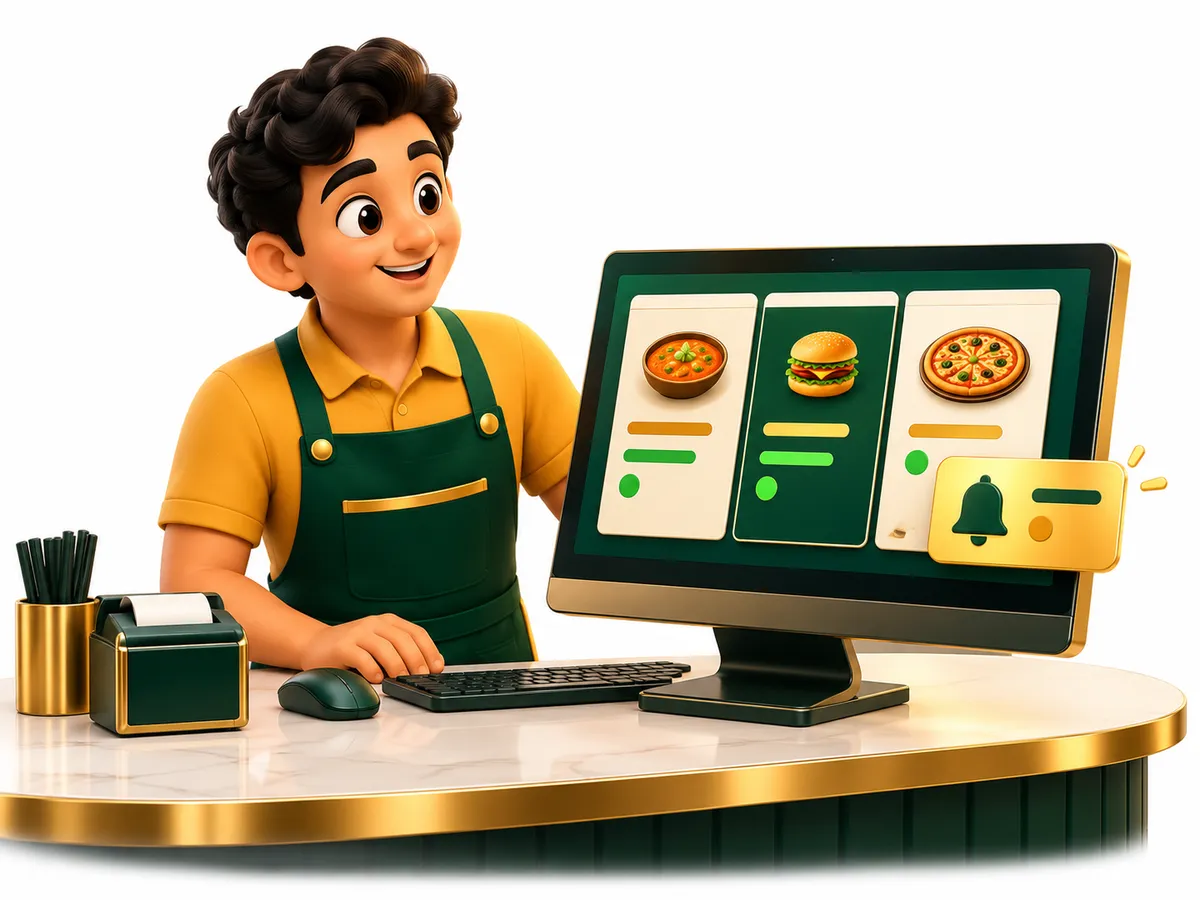
When the window is not in front, its taskbar button flashes with a red count, and a Windows notification names the order and where it goes, like Table 4. Keep the Orders, Kitchen or Dashboard screen open.
A browser tab keeps the order sound silent until someone clicks the page. The app plays it from the moment the window opens, and keeps listening while it is minimised.
While the app is open, the display does not go to sleep, so the orders board is there when you look up. You can switch this off in the ≡ menu, under File.
The X button tucks the app away by the clock instead of quitting, so new orders still reach you. Use Exit in the ≡ menu, or in the tray icon's menu, to close it completely.
Tick Launch at startup in the ≡ menu, under File, and RMS Guru is ready when the computer is. Open it twice and you get the window already running, not a second copy.
Download it once. When a new version has been downloaded, the app asks Restart now or Later, and Later installs it the next time you quit.
Windows 10 or 11, 64-bit. There is no Mac, Android or iPhone app. On a phone or tablet, open your console address in Chrome or Safari and sign in; there is nothing to download.
The installer is not code-signed yet, so Windows shows a “Windows protected your PC” screen. Choose More info, then Run anyway. Follow the installer, and when the app asks Which restaurant, type your full console address, starting with https://.
No. You sign in with your usual RMS Guru account, and the app opens your own restaurant's console, the same one a browser opens. If you sign in with Google, that step opens in your normal browser and brings you back to the app.
No. The app shows your live console, so it needs an internet connection, just as a browser tab does. If it cannot reach the console, it shows a page with Try again and Change restaurant buttons.
Set up your restaurant on RMS Guru and take your first order today.
30-day free trial on Lite and Pro for your first restaurant · No card needed