Today at a glance
The dashboard shows today's revenue, active orders, table occupancy and average order value, with a revenue chart and your top-selling dishes. On a phone, Home shows the same figures and a Needs you now box.
Staff and control
A dashboard for today and a report for every question after it: what sold, which hour is busiest, how long the kitchen takes and how much GST you collected.
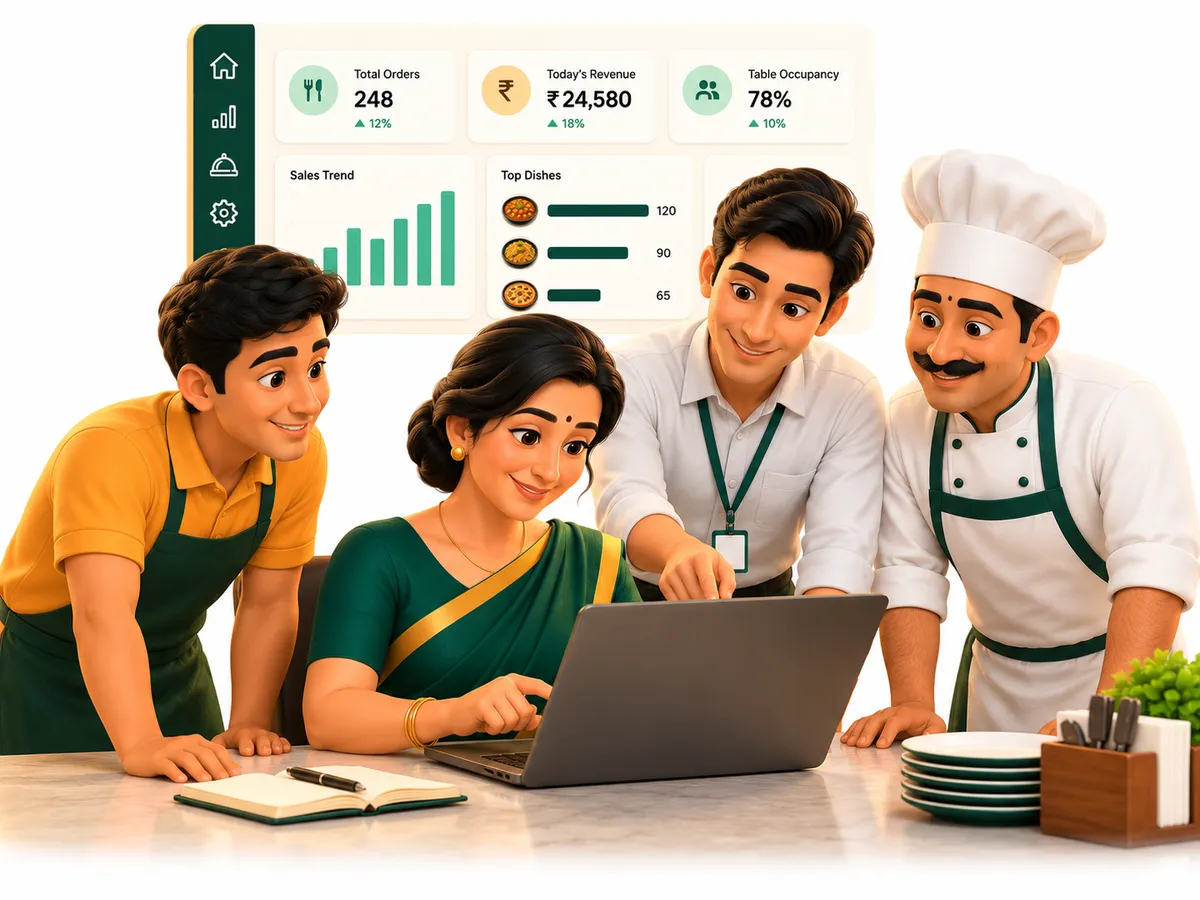
The dashboard shows today's revenue, active orders, table occupancy and average order value, with a revenue chart and your top-selling dishes. On a phone, Home shows the same figures and a Needs you now box.
Sales, bottom sellers, category mix and order types. Payment history, coupon usage and GST. Daily sales and peak hours. Tables, kitchen, riders, waitlist and no-shows. Pick today, 7 days, 30 days or all time.
Sales by Period sets the range you pick beside the stretch just before it, so the last 7 days sits next to the 7 days earlier. You see the change in orders, revenue and average order value.
Peak Hours shows your busiest hour in local time. Kitchen Prep-Time measures accepted to ready, Table Utilization how long a table stays occupied, and Delivery Riders time on the road and cash not yet handed in.
Each receipt with its GSTIN, CGST, SGST and IGST, and the total tax collected for the range. Payment History shows what came in online and what came in offline.
Most reports have a Send by email button that mails the report you are viewing to any address. The Orders board also exports the orders on screen as a CSV file.
Lite has one outlet, so the combined view is Pro only, and the two hotel reports need the Pro hotel add-on.
Yes, on Pro with more than one. Switch Reports to All outlets for one table with orders, completed orders, average value, gross, refunded and net for each. Kitchen, table, rider, waitlist and no-show reports stay separate for each.
Reports have their own permission. The Owner, Admin and Manager roles have it; the Rider role does not. On Pro, a custom role can be given Reports or left without it.
Overview shows gross revenue from completed orders, the refunds processed and the net revenue after them. An order counts as sales only once it is completed; until then Overview shows it as in progress.
The sales, payment, GST, coupon, end-of-day and operations reports are the same on Lite and Pro. The combined view is Pro only, and the two hotel reports need the Pro hotel add-on.
Set up your restaurant on RMS Guru and take your first order today.
30-day free trial on Lite and Pro for your first restaurant · No card needed