Updates when the order moves
Confirm an order, mark it ready or cancel it, and the message goes out then. A confirmed booking and a waitlist “your table is ready” message go out too, by SMS or WhatsApp.
Guests
Confirm, mark ready or cancel an order and the guest hears: by email for pickup and delivery with no setup, by SMS or WhatsApp from your own accounts, which also cover bookings and the waitlist.
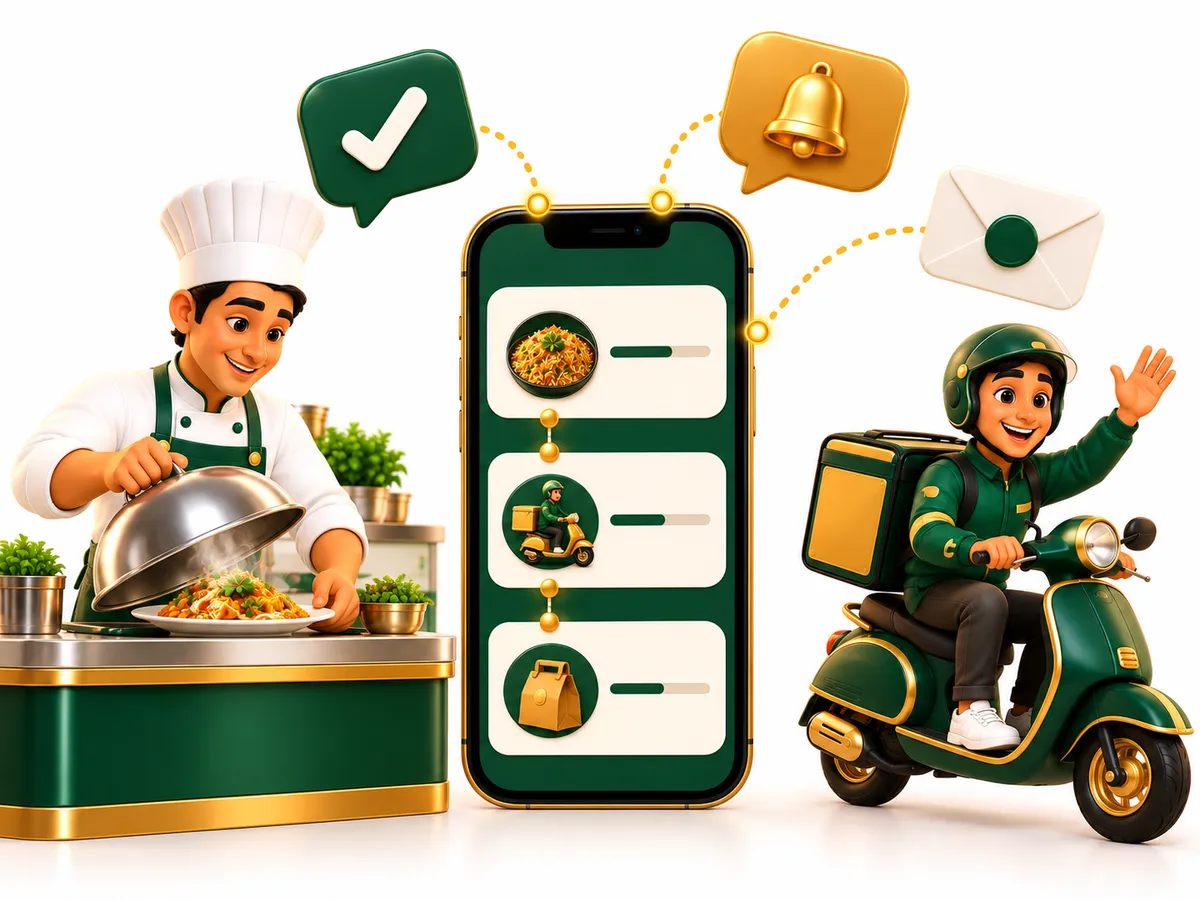
Confirm an order, mark it ready or cancel it, and the message goes out then. A confirmed booking and a waitlist “your table is ready” message go out too, by SMS or WhatsApp.
Received, confirmed, ready and cancelled emails go out under your restaurant's name with the items and total. Choose which for dine-in, pickup and delivery; dine-in starts off. Only guests with an email on their account get one.
Connect your own email service (Resend, SendGrid, SMTP or Amazon SES) and order emails go out from your own sender address. The Email log lists every order email, and why any was not sent.
Add your Twilio or MSG91 account and order, booking and waitlist updates go out by SMS too, in the wording you set (for Indian numbers, a DLT-registered template). You pay your SMS provider directly. SMS needs no add-on.
WhatsApp Messaging is an add-on that sends through your own WhatsApp Business API number with Meta. A guest gets updates only if they tick the box at checkout or when booking; staff tick it at the counter after asking.
The guest's order page updates by itself. Signed-in guests also get a bell on your website showing changes to their orders and bookings. Neither needs any setup.
No. Order emails work with no setup, and the tracking page and bell need none either. SMS and WhatsApp are optional: use one, both or neither. SMS needs no add-on; WhatsApp is a paid add-on.
The WhatsApp Messaging add-on, and your own WhatsApp Business API number with Meta, whose details you enter in RMS Guru. For each update you want to send, add the name of a template Meta has approved in English (US); an update with no template is simply not sent. Meta bills its message charges to you.
For email, open the Email log. Every order email is listed as sent, not sent, blocked by a limit or failed, with the reason: often that the guest has no email saved, or that email is switched off for that order type. SMS and WhatsApp send errors show in System Logs.
By hand, yes. On an order with the guest's phone number, Share on WhatsApp opens your own WhatsApp with the receipt filled in, ready to send. Beside it, Email receipt opens a Gmail draft when the guest has an email, and Copy receipt text copies it. None of this needs an add-on.
Set up your restaurant on RMS Guru and take your first order today.
30-day free trial on Lite and Pro for your first restaurant · No card needed