Photos, prices and veg marks
Each dish has a description, a price and a veg, non-veg or egg mark, and can carry several photos. Guests can search the menu and filter by veg, non-veg or egg.
Ordering
Add your dishes with photos, portions and add-ons. Guests browse them on their phones from the table QR, or on your website once signed in. You pick the look and switch off what runs out.
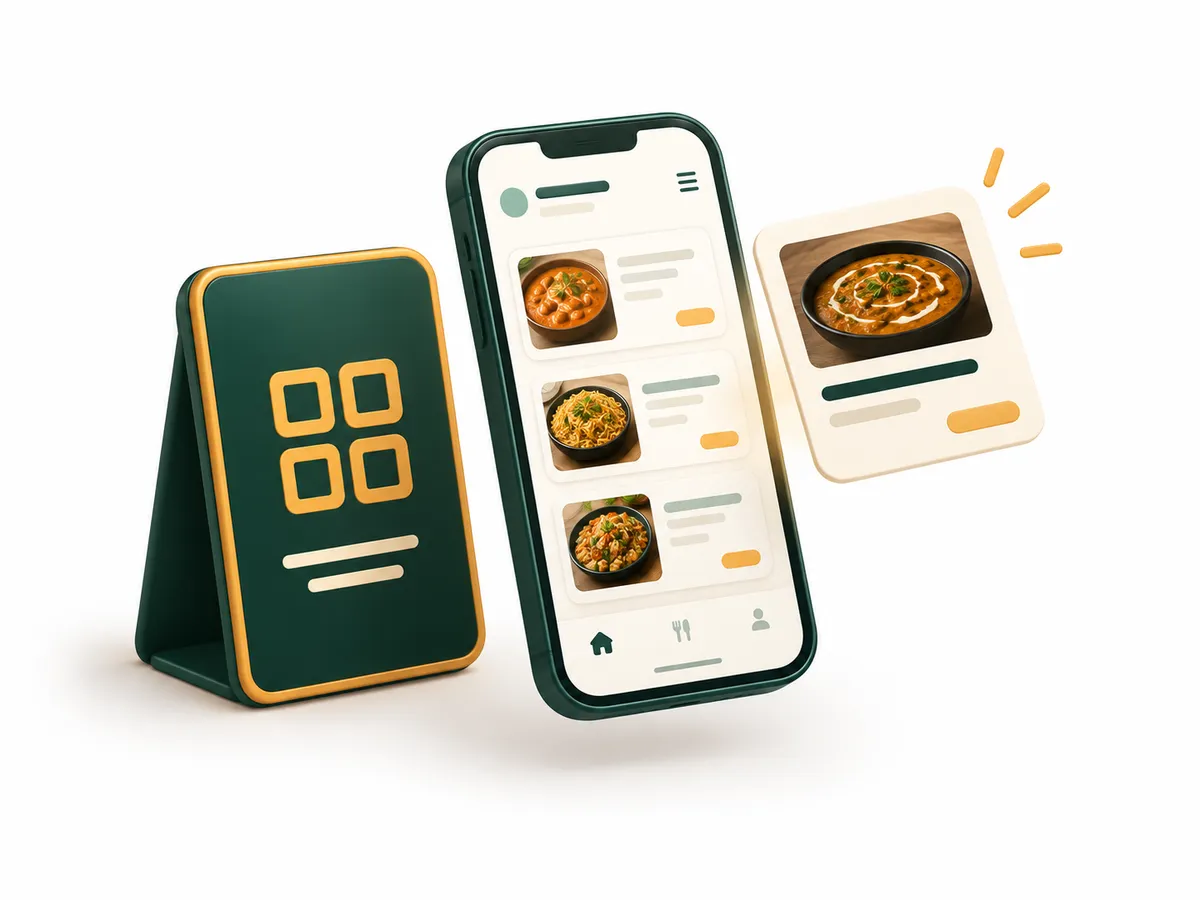
Each dish has a description, a price and a veg, non-veg or egg mark, and can carry several photos. Guests can search the menu and filter by veg, non-veg or egg.
Set Half and Full portions, add-on groups guests must or may choose from, and combos with parts they can swap. Guests choose before a dish goes in the cart, and the price follows.
Pick the look that suits your menu: photo grid, compact list, printed-card style, quick order pad, thali builder and more. Choose a different one for phones, preview it, then publish.
Add dietary tags, allergens and nutrition values per serving, such as calories, protein and carbs. Guests see them on the menu and on each dish's page.
Type translated dish names and descriptions, and category names, in Hindi, Bengali, Tamil, Telugu, Kannada, Malayalam, Marathi, Gujarati, Punjabi or Urdu. Guests switch language at the top of the menu. Buttons stay in English.
Switch a dish off and it leaves the guest menu. Or give it a stock count: every order counts it down, and at zero the dish switches off and your staff are told.
Yes, from CSV files. Download a template, fill in your categories, items, combos, portions and add-on groups, and upload it. A check runs first and shows what will be added, updated or skipped, and nothing is saved until you confirm.
Yes. Each has its own menu, prices and availability. A new outlet with an empty menu can copy one of your existing menus, photos included, and then you change what differs. Several outlets need Pro.
Yes. Edit a price, a description or a photo in the console and the guest menu shows it. Switching a dish off hides it from guests without deleting it, and you can switch it back on whenever you like.
Every layout has a phone version, and you can choose a different layout for phones. The one layout that needs a wide screen, Split + cart, shows as Compact on phones unless you choose another.
Set up your restaurant on RMS Guru and take your first order today.
30-day free trial on Lite and Pro for your first restaurant · No card needed