Guests see your name
Your website, menu and online ordering open at an address like yourrestaurant.com. Search engines are told it is your main address, so it is the one to print on your signboard and share.
Website
Guests type your name, not ours. Add a domain you own, put two records in your DNS, and your website, menu and online ordering open on your own address.
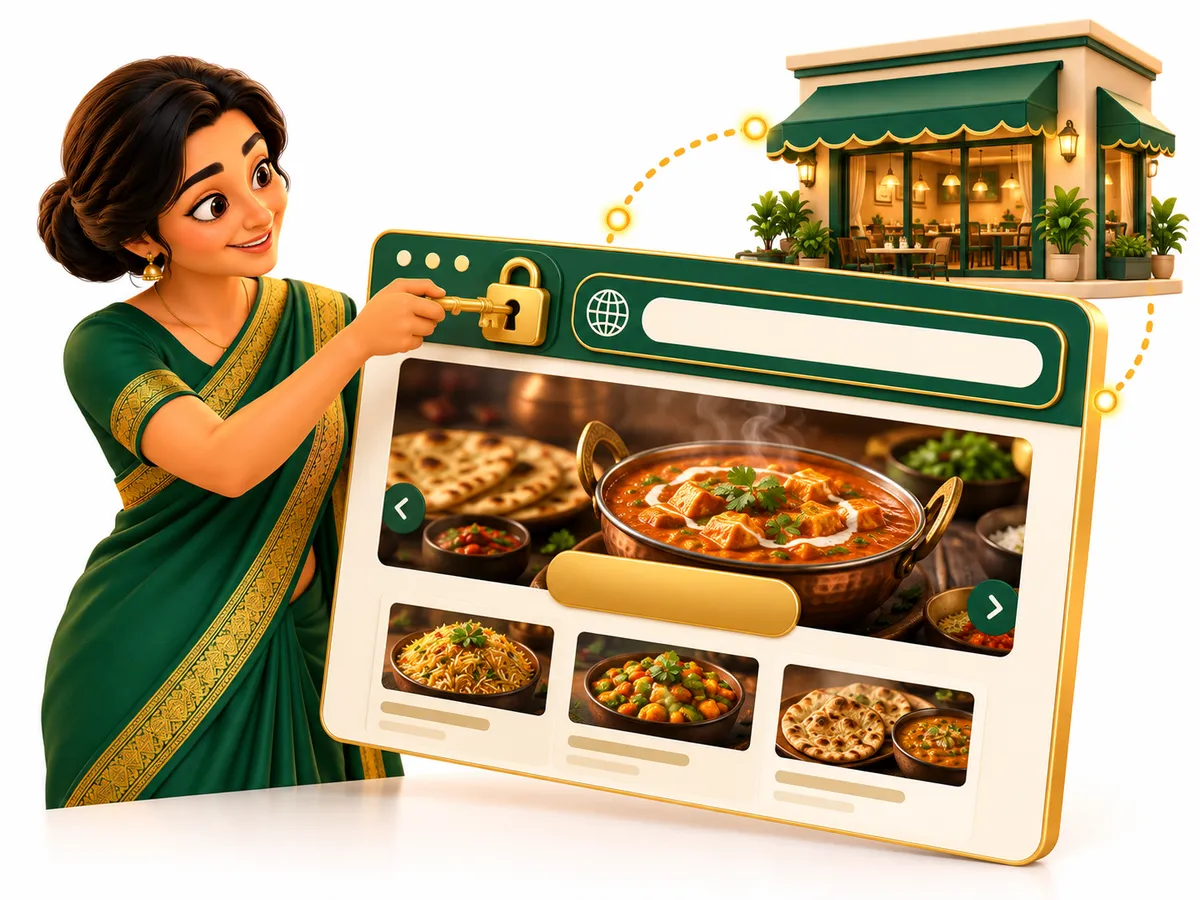
Your website, menu and online ordering open at an address like yourrestaurant.com. Search engines are told it is your main address, so it is the one to print on your signboard and share.
Request the domain and the console shows the exact two DNS records to add, at your registrar or DNS provider: one proves the domain is yours, one points it here. Check DNS then tells you what is missing.
When the records match, Check DNS asks for the security certificate. Once it is issued, the next Check DNS switches the domain on; until then it shows how far the certificate has got. You never buy or install one.
Paper outlives a domain, so new table QR codes carry your rmsguru.com address unless you choose otherwise. Tick one box, with the warning in front of you, to print your own domain on them.
Where the registry publishes your domain's expiry date, the console shows it, emails you ahead of it, and puts a warning on every console page in the last 30 days. Renew at your registrar and it clears.
Your staff console always works at your restaurant's rmsguru.com address too. If your domain has a problem, you can still sign in and sort it out, and guests can still reach your site there.
On Lite your website stays at your restaurant's rmsguru.com address; your own domain is part of Pro.
A domain you already own, bought from a domain registrar, and a billing phone number saved in Settings, Profile. Addresses under rmsguru.com cannot be added as your own domain; you already have your restaurant's address on both plans.
You can type it, but the record we ask for is a CNAME, and many DNS providers refuse one on the bare root. The console warns you as you type. If yours refuses, use a subdomain such as order.yourrestaurant.com instead.
DNS changes take time to spread. The console says a new record usually appears within a few minutes, sometimes up to an hour, and a nameserver change can take up to 48 hours. A check that fails changes nothing, so press Check DNS again.
Your own domain is part of Pro, so you remove it first (Settings, Custom domain) to move to Lite. Your storefront then stays on your restaurant's rmsguru.com address, which works the whole time.
Set up your restaurant on RMS Guru and take your first order today.
30-day free trial on Lite and Pro for your first restaurant · No card needed