One tap marks an order paid
On the Orders board, press Mark paid (offline) on the order. Paid by starts at Cash, so an ordinary cash sale is one tap. For UPI, Card or Other, choose it first.
Billing and payments
However a guest pays at the counter, mark the order paid and say how: Cash, UPI, Card or Other. RMS Guru records it; the money goes through your own till or machine.
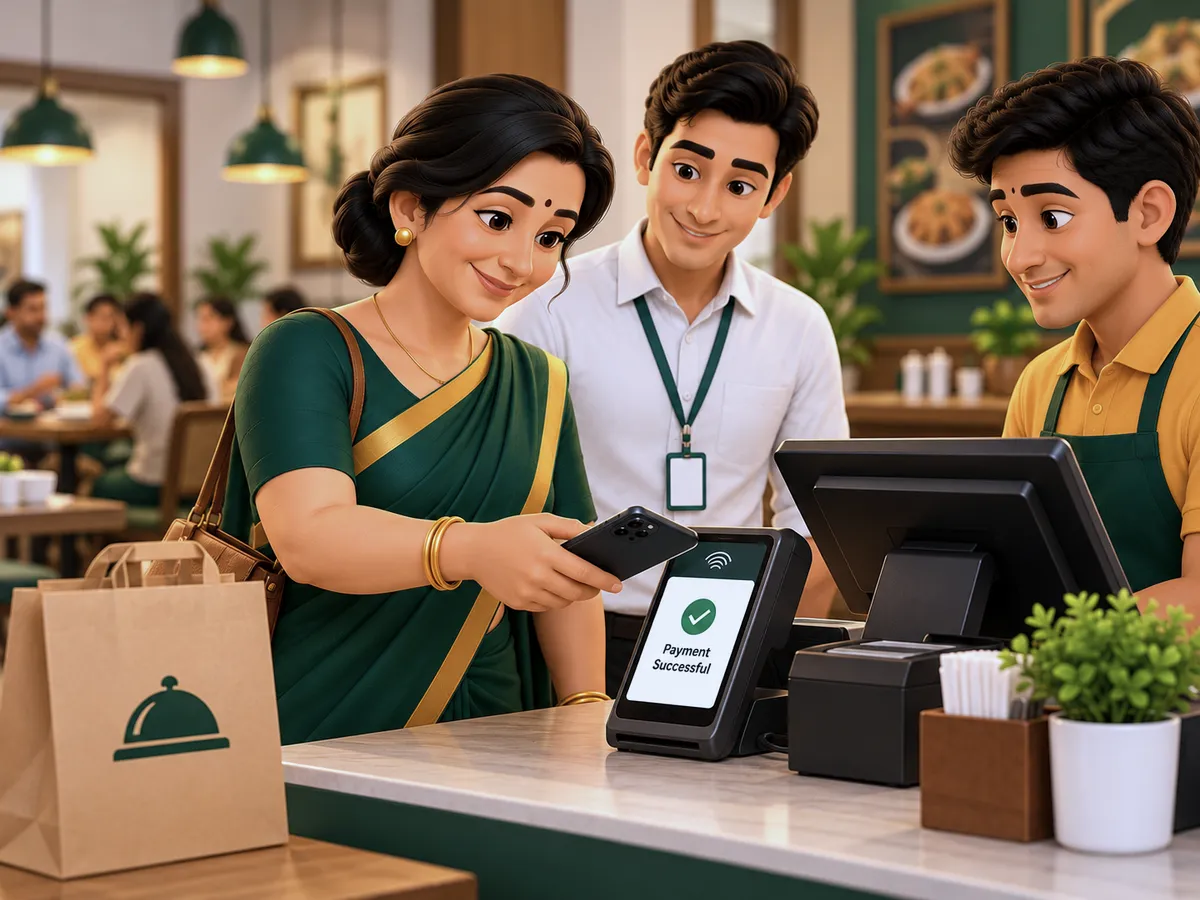
On the Orders board, press Mark paid (offline) on the order. Paid by starts at Cash, so an ordinary cash sale is one tap. For UPI, Card or Other, choose it first.
In Settings → Operations → Counter payment options, tick the ones your counter takes: Cash, UPI, Card, Other. Staff see only those. If just one is on, staff are not asked and that one is used.
For walk-in and phone orders on the New order screen, tick Mark as already paid and choose how. The order is paid from the start.
An open order that is not fully paid, like a table still to settle or a guest who chose Pay at the counter, shows in the Orders board's Unpaid tab until it is paid, completed or cancelled.
Switch on Print how the bill was paid in Settings → Printers → Receipt content, and a paid bill shows a line like Payment: Cash or Payment: UPI. It is off until you turn it on.
Marking an order paid needs a permission. The ready-made Owner, Admin and Manager roles have it, and on Pro you can give it to a role of your own.
On Lite, counter orders count toward the 1,500 orders a month like every other order, and roles of your own are Pro only.
No. At the counter you take the money your usual way, in cash or on your own machine, and RMS Guru records what was paid and how. Payments guests make on their phones at checkout are covered under Online payments.
Yes. Each outlet chooses which of Cash, UPI, Card and Other staff can pick, and at least one must stay on. You do it in Settings → Operations → Counter payment options.
No. Payment History separates online payments from offline ones, but does not split the offline total by Cash, UPI and Card. The mode is recorded with each payment and can print on the bill.
The order reaches your team straight away, marked unpaid, and shows in the Unpaid tab until it is paid, completed or cancelled. Pay at the counter is always available, even if you have not connected Razorpay.
Set up your restaurant on RMS Guru and take your first order today.
30-day free trial on Lite and Pro for your first restaurant · No card needed